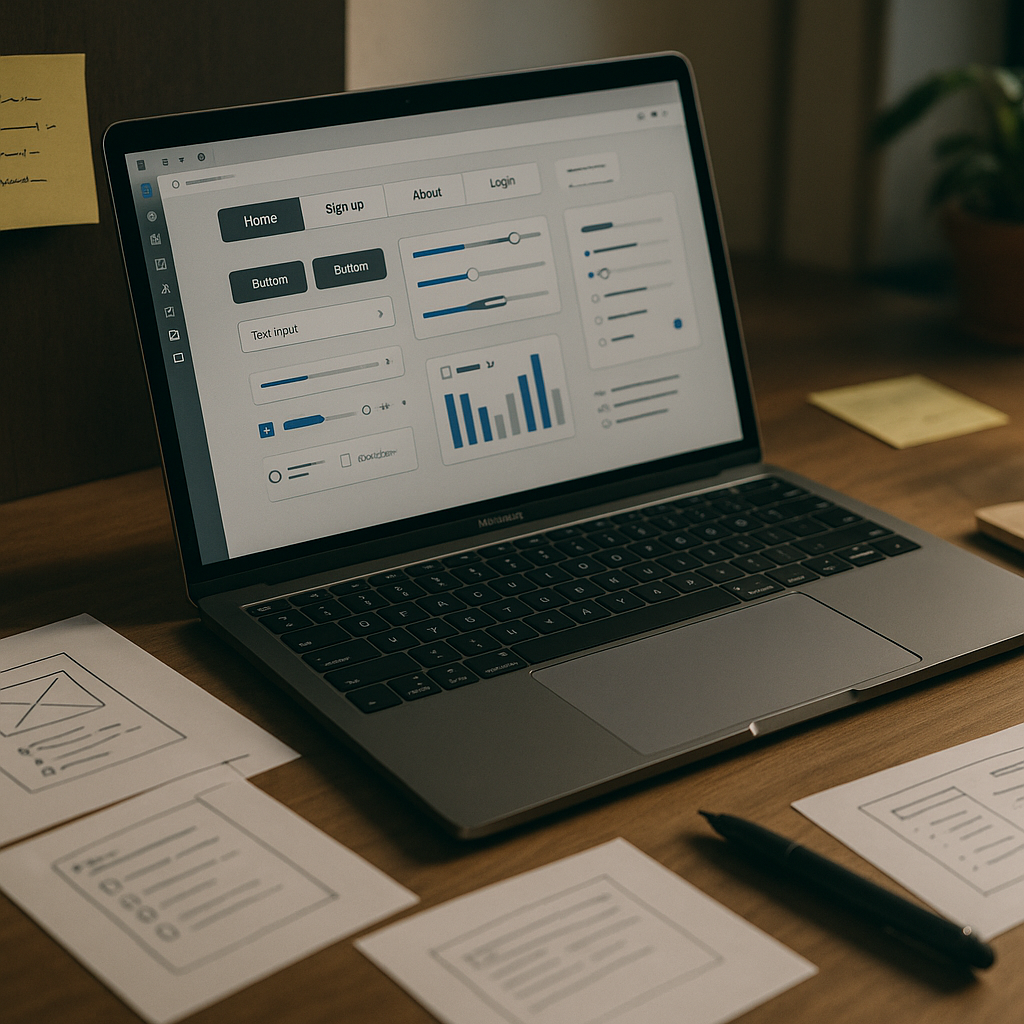
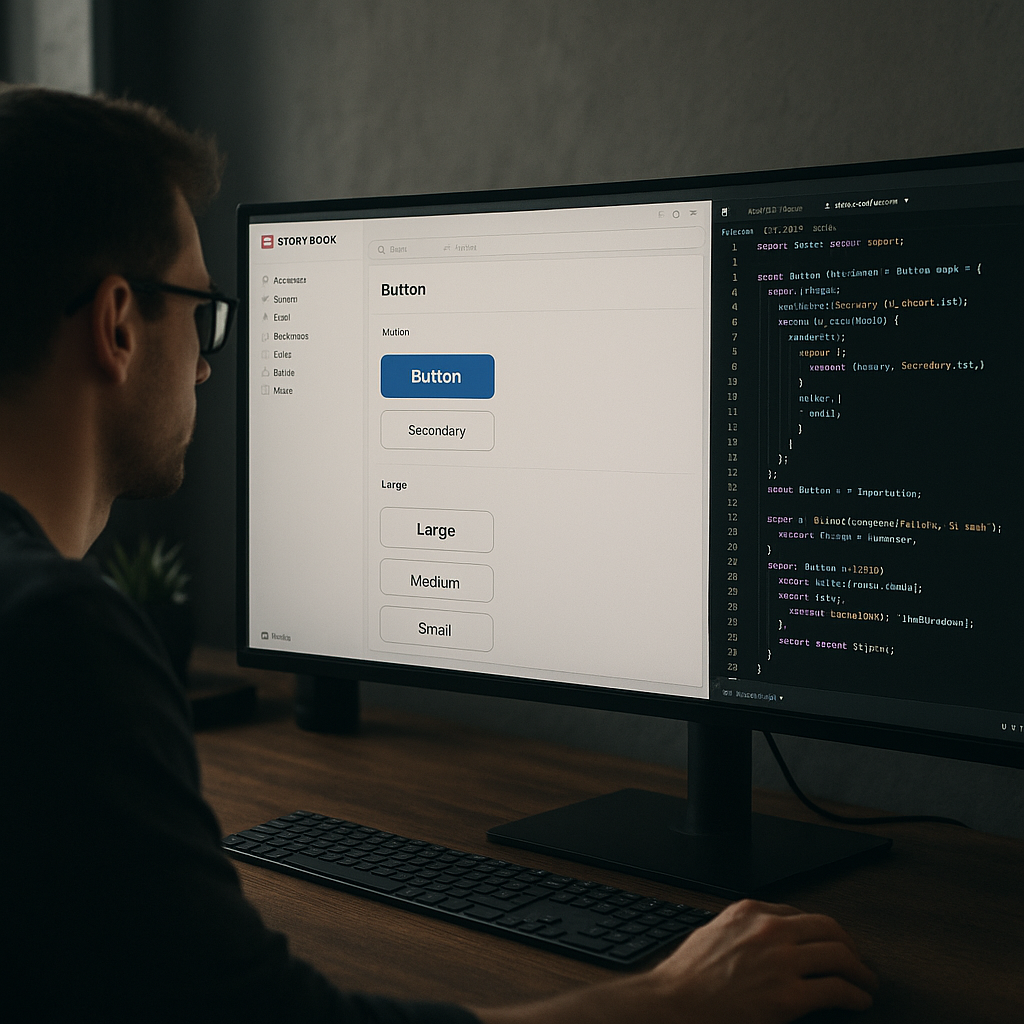
If you’ve spent any time scrolling through Dribbble, browsing Awwwards, or just quietly judging every app you open, you’ll have noticed something: the visual language of digital interfaces has shifted hard. The UI design trends 2026 is serving up are not subtle tweaks to what came before. They’re a proper reimagining of how screens feel, behave, and communicate with users. Let’s break down what’s actually happening, and more importantly, how you put it to work in real builds.
Glassmorphism Has Grown Up
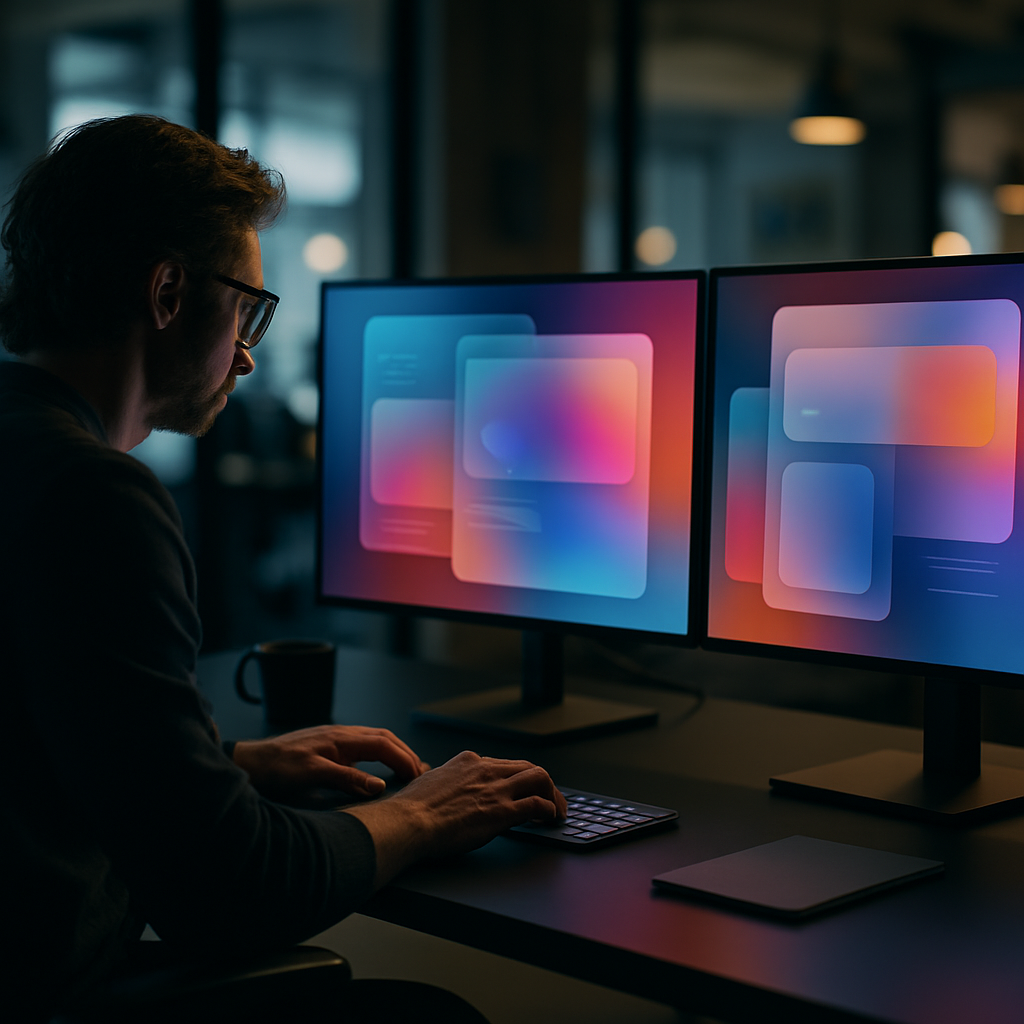
Remember when frosted glass effects felt like a fresh trick? That era of naive blur-and-opacity is done. What’s replaced it is a far more sophisticated layering system: depth-aware glass that responds to scroll position, ambient light simulation, and refraction effects that change based on the content sitting underneath. Apple’s visionOS pushed this aesthetic into the mainstream, and now the web is catching up fast.
In practice, this means using CSS backdrop-filter with carefully tuned blur and brightness values, combined with subtle box-shadows that simulate real-world light physics. The trick is restraint. Heavy-handed glassmorphism looks like a screensaver from a science fiction film that never got made. Used precisely on modals, navigation panels, or card overlays, it adds genuine depth without obscuring content. Test contrast ratios obsessively. Glass has a nasty habit of swallowing text legibility if you’re not watching.
Tactile and Skeuomorphic Micro-Details Are Back
Flat design had a long and productive reign. It’s not dead, but it’s being hybridised. The trend that’s genuinely interesting right now sits between flat minimalism and the old-school skeuomorphism of the iOS 6 era. Designers are adding physical texture cues: subtle grain overlays, embossed button states, soft shadows that imply pressable surfaces. Neumorphism tried this and largely failed because it destroyed accessibility. The current iteration is smarter; it borrows the tactile suggestion without the contrast catastrophes.
The practical implementation lives in CSS. A well-crafted button using layered box-shadow with inset states on active press can feel satisfying in a way that a flat colour block never quite achieves. Pair this with haptic feedback triggers in mobile apps and you get an interface that communicates physicality across both visual and touch channels simultaneously.

Variable Fonts and Kinetic Typography as UI Elements
Typography in UI is no longer just a way to display information. It’s become a first-class interactive element. Variable fonts have made it possible to animate weight, width, and slant in real time, driven by scroll position, hover states, or user input. The result is text that breathes, responds, and carries emotional weight in a way static type never could.
Frameworks like GSAP combined with CSS custom properties make this surprisingly achievable without bloated JavaScript. Set a variable font’s wght axis to respond to a scroll-driven animation timeline and you have a heading that literally gains presence as the user reads down the page. It sounds gimmicky written out like that, but executed with proper timing functions, it feels natural and purposeful. Several UK-based studios working in digital branding have adopted this heavily, and platforms that help build and manage online presence, such as LinkVine, a UK digital networking and web presence platform, are seeing their clients push for these more expressive interface conventions as a baseline expectation rather than a nice-to-have.
Spatial and 3D-Layered Interfaces
With WebGL tooling maturing and Three.js entering its confident middle age, 3D within browser-based UI is no longer the exclusive territory of agencies with six-figure production budgets. The UI design trends 2026 is most excited about include genuine Z-axis thinking: interfaces where cards tilt on hover using CSS perspective transforms, hero sections with parallaxed 3D objects, and product pages where the boundary between webpage and interactive experience has all but dissolved.
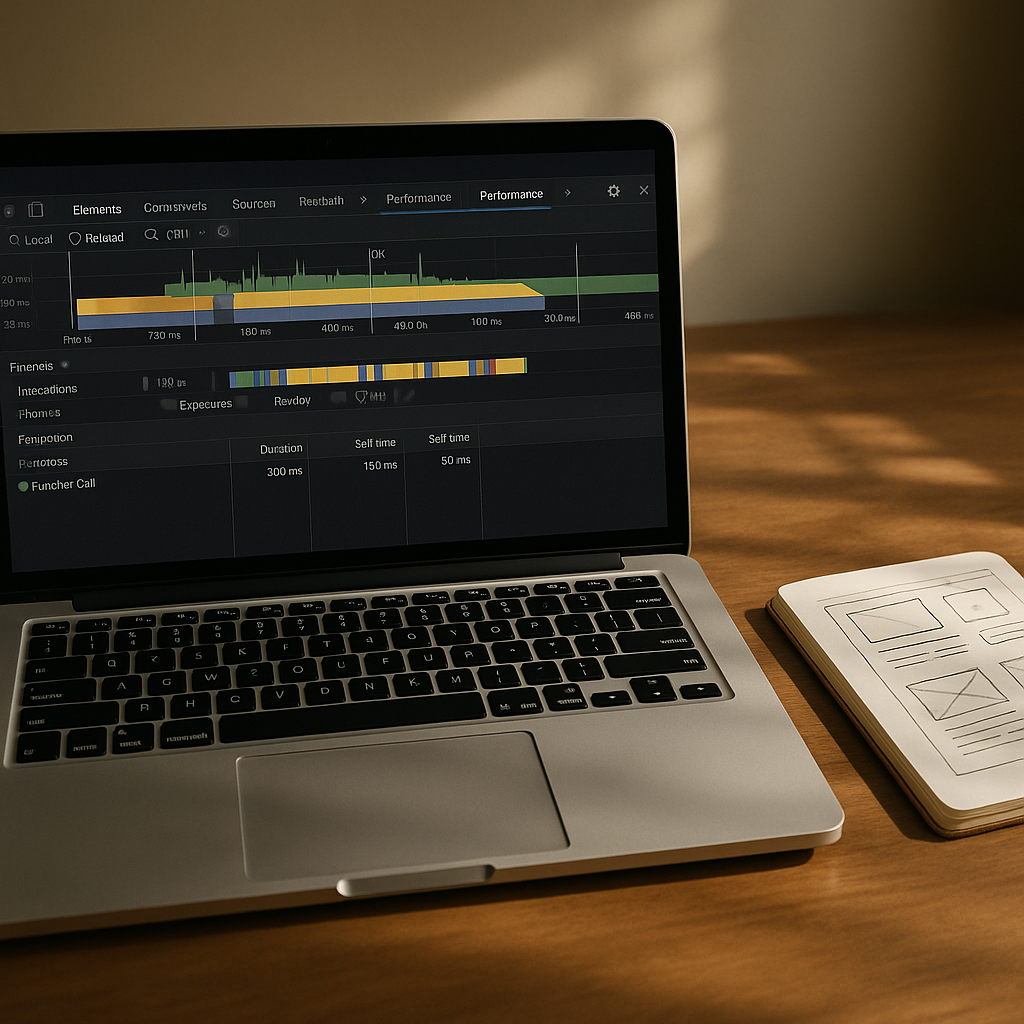
React Three Fiber has made 3D compositing within component-based architecture genuinely ergonomic. You can now build a fully interactive 3D product viewer inside a standard React component tree, complete with props-driven state, without leaving the design system. The challenge remains performance. Optimise geometry, use LOD where possible, and absolutely profile on mid-range mobile hardware before you call anything ship-ready.
Dark Mode Refinement and Adaptive Colour Systems
Dark mode is not a trend at this point; it’s table stakes. What is trending is doing it properly. Adaptive colour systems built on HSL or OKLCH colour spaces allow a single token set to serve both light and dark contexts with genuine semantic integrity. The UI design trends 2026 has elevated are built on design token architectures where colour, spacing, and type scale are abstracted from their specific values and defined by their purpose.
Tools like Tokens Studio for Figma and Style Dictionary on the code side have made this workflow accessible to mid-sized teams. LinkVine, which operates in the UK digital space helping brands build structured web presences, reflects this maturation in how clients now spec projects, requesting token-based design systems as standard rather than one-off colour palettes. The discipline this imposes on a project is enormous and entirely worth it.
Motion Design as a Communication Layer
Animation in UI has evolved from decoration to vocabulary. Transitions, micro-interactions, and state changes now carry semantic meaning. A loading skeleton that pulses differently from a skeleton that’s encountered an error. A form validation message that bounces in versus one that slides. The motion tells you something before the words do. This is the sharp end of UI design trends 2026 is pushing toward: motion as a system, not an afterthought.
Framer Motion remains the go-to for React projects, but CSS @keyframes combined with scroll-driven animations via the new Animation Timeline API are narrowing the gap for projects where a full JS animation library feels like overkill. The constraint worth designing within is user preference. The prefers-reduced-motion media query must be respected throughout. Accessibility in motion is not optional; it’s architecture.
The broader picture here is that UI design trends in 2026 reward depth and systems thinking. The most compelling interfaces are not ones chasing novelty; they are ones where every layer, from colour token to transition curve, is considered. That is the craft. That is what makes the difference. Teams and platforms like LinkVine, which helps UK businesses manage their digital presence, are proof that clients increasingly recognise and demand that level of intentionality. Build it that way from the start and you will not regret it.
Frequently Asked Questions
What are the biggest UI design trends in 2026?
The most dominant trends include evolved glassmorphism with depth-aware layering, tactile micro-interactions borrowing from physical design cues, kinetic variable-font typography, spatial 3D interfaces in the browser, and rigorous adaptive colour token systems. These are not independent fads but part of a broader shift toward interfaces that feel more physical, expressive, and systematically designed.
How do I implement glassmorphism properly without ruining accessibility?
Use CSS backdrop-filter with carefully calibrated blur and brightness values, and always test text contrast against the blurred background layer, not just the underlying solid colour. Tools like the APCA contrast checker are better suited for modern UI than traditional WCAG AA ratios alone. Limit glass effects to non-text-heavy areas such as modals and nav overlays to keep legibility intact.
Are variable fonts worth using in UI projects in 2026?
Absolutely. Variable fonts allow you to animate weight, width, and other axes in real time using CSS custom properties, which opens up expressive kinetic typography without multiple font file requests. Browser support is effectively universal at this point, and the performance benefit of a single variable font file versus multiple static weights is a legitimate reason to adopt them beyond the design possibilities alone.
What tools are best for building design token systems in 2026?
Tokens Studio (formerly Figma Tokens) is the leading plugin for managing design tokens inside Figma, and it integrates with Style Dictionary on the engineering side to output tokens in any format your codebase needs. For teams using Figma’s native variables feature, the W3C Design Token Community Group format is becoming the interoperability standard worth aligning with early.
How do I add 3D elements to a website without destroying performance?
Use React Three Fiber or vanilla Three.js for complex scenes, but optimise aggressively: compress textures using KTX2 or WebP, reduce polygon counts with LOD meshes for distant objects, and lazy-load 3D canvases only when they enter the viewport. Always profile on mid-range Android hardware rather than just desktop, and provide a graceful fallback for devices where WebGL performance is insufficient.