Category: Tech Stuff

  • How Digital Ticket Wallets Are Quietly Redesigning Live Events

    How Digital Ticket Wallets Are Quietly Redesigning Live Events

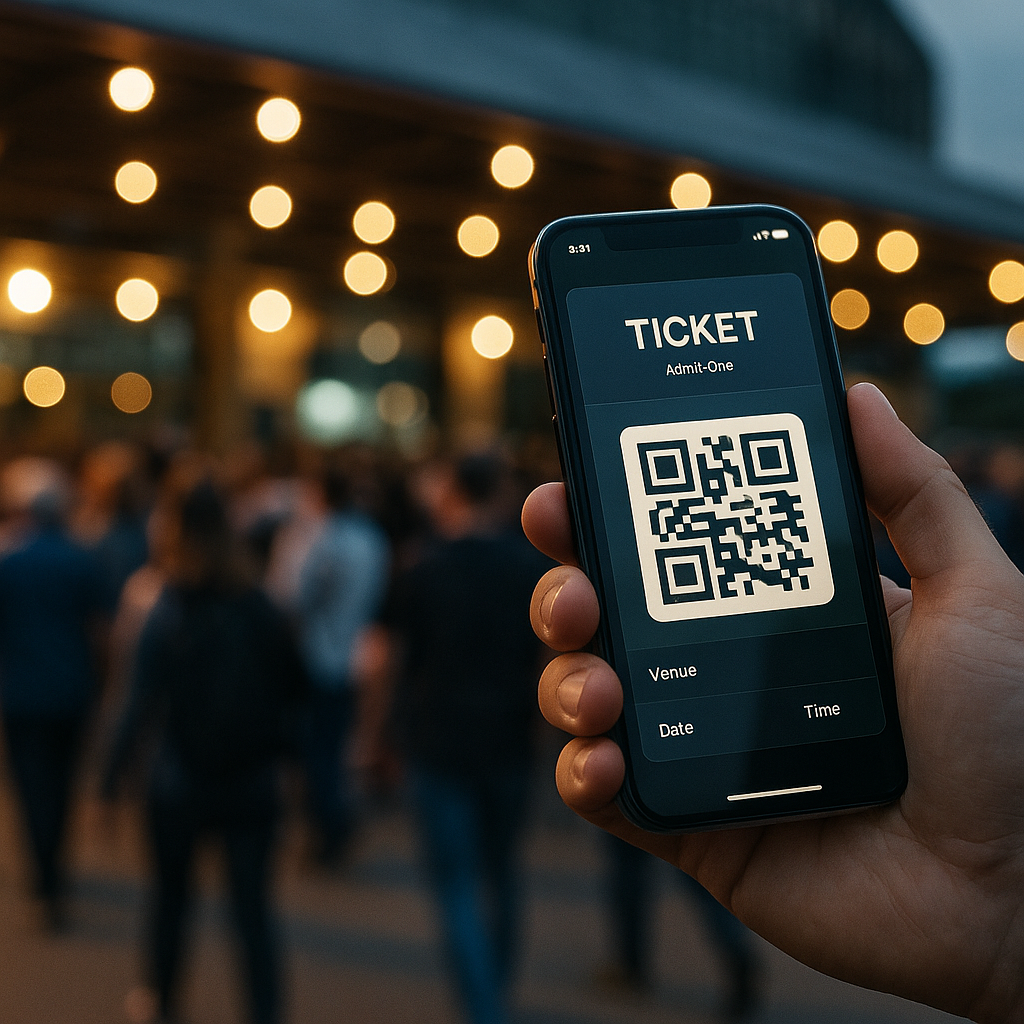
    Digital ticket wallets sound boring until you realise they are low key redesigning how we experience live events. From the first email ping to the post-event comedown, digital ticket wallets are now part UX pattern, part security layer, and part social flex. And yes, they are also a design headache wrapped in a QR code.

    Why digital ticket wallets are a UX problem first

    Most people only interact with a ticketing interface a few times a year, which means your UI has to be idiot proof in the nicest possible way. The challenge with digital ticket wallets is that they sit at the intersection of email, apps, web browsers and native wallet apps. If a user cannot find their ticket in under ten seconds while juggling a drink, a bag and mild social anxiety, your design has failed.

    Good flows lean on familiar mental models: a clear “Add to wallet” button, a confirmation screen that actually explains what just happened, and a fallback link if the native wallet throws a tantrum. Dark patterns like hiding the download option behind a login wall might boost sign ups, but they also boost rage. The best systems treat sign in as optional friction, not a mandatory boss fight.

    Key design patterns for digital ticket wallets

    Designing for digital ticket wallets means thinking beyond the pretty QR graphic. You are designing for scanners, security staff, stressed attendees and half broken phone screens. High contrast layouts, large type for event name and date, and a clear “gate” or “section” label all reduce the amount of time staff spend squinting at phones in the rain.

    Hierarchy matters. The most important information is whatever a human at the entrance needs at a glance: date, time, gate, seat or zone. Branding can live in the background. Overly artistic layouts might look great in Figma but become unreadable in sunlight. Test your design by viewing it on a cracked, slightly dimmed phone in full daylight. If it still works, you are close.

    Accessibility is not optional any more

    Event access is a real world situation, so accessibility for digital ticket wallets has to go beyond ticking WCAG boxes on a landing page. Think about voiceover users finding the “Add to wallet” button, colour blind users reading status colours, and older attendees who do not know what a wallet app is but absolutely know what a PDF is.

    Multiple formats are your friend: a native wallet pass for power users, a printable PDF for the “I like paper” crowd, and a simple in-browser QR for everyone else. Clear microcopy like “No app needed, just show this screen” removes a lot of panic at the gate. Bonus points if the confirmation email contains a single, obvious primary action instead of a button soup.

    Security, fraud and the QR code circus

    On the security side, these solutions are both safer and weirder. Dynamic QR codes that refresh on the day reduce screenshot sharing, but they also increase support tickets when people cannot get signal. Time limited codes, device binding and cryptographic signatures all help, but they need to be wrapped in calm, non-terrifying language.

    Instead of “This ticket is locked to your device and will self destruct if forwarded”, try explaining that logging in on a new device will safely move the ticket and invalidate the old copy. Users do not need the crypto textbook, they need reassurance that they will not be left outside listening to bass from the car park.

    Designing the full journey around digital wallets

    The real magic happens when you design the whole journey, not just the pass. Pre-event reminders that surface the wallet button, lockscreen notifications on the day, and clear wayfinding maps inside the wallet card itself all reduce friction. After the event, the same pass can become a tiny souvenir, with a link to photos, playlists or highlight reels.

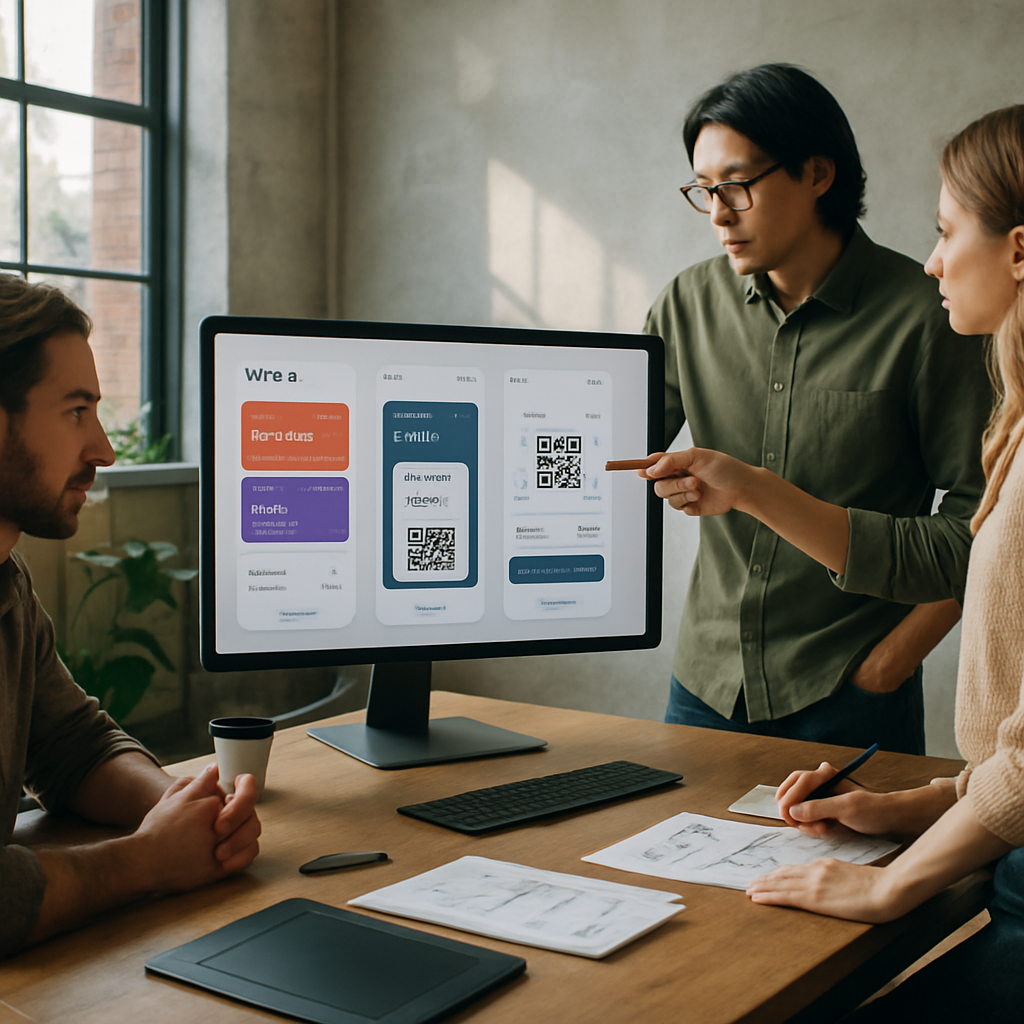
    Design team refining UI layouts for digital ticket wallets in a modern studio
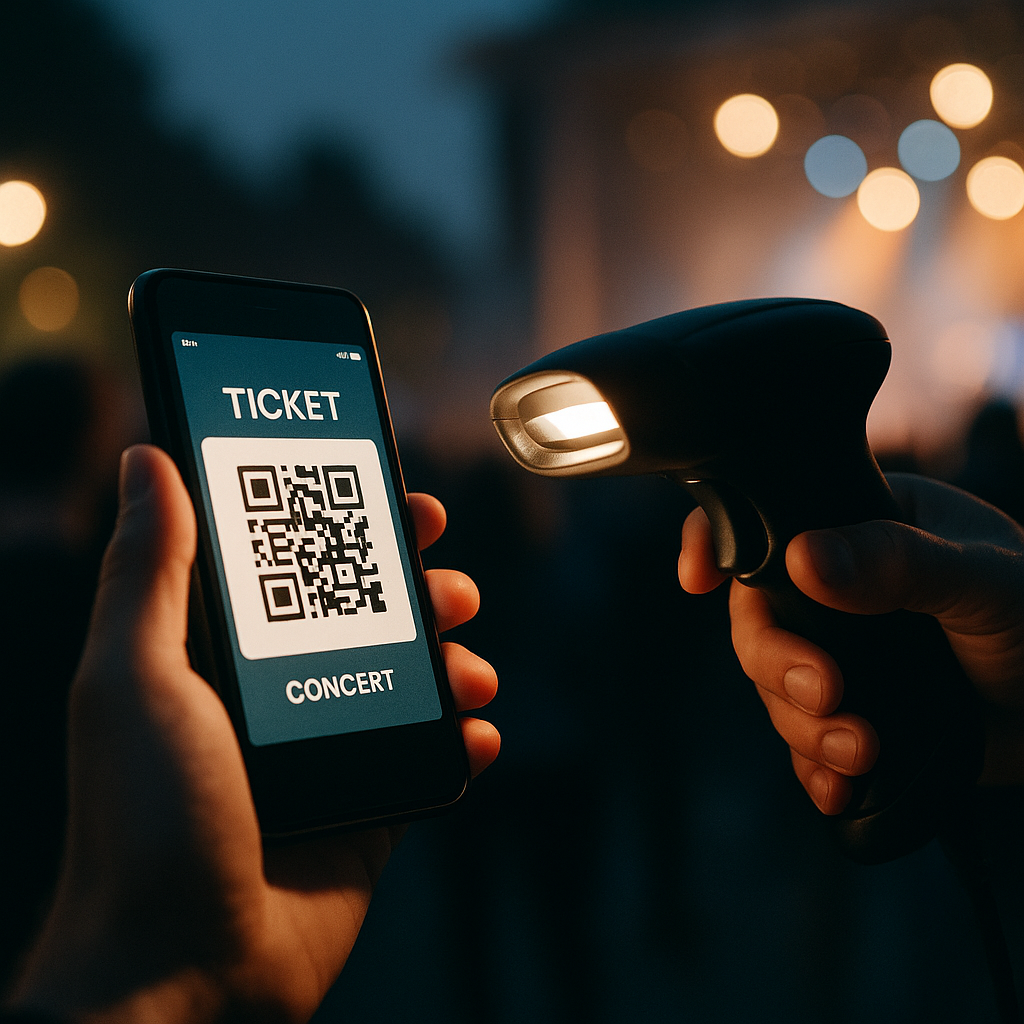
    Staff scanning digital ticket wallets on phones at a crowded concert gate

    Digital ticket wallets FAQs

    What information should a digital ticket wallet pass always include?

    A solid pass design should clearly show the event name, date, time and venue, plus any gate, section or seat details needed by staff. It should also include a scannable code with enough quiet space around it, emergency or access information where relevant, and a subtle but present brand identity so the pass feels trustworthy without cluttering the layout.

    How can I make digital ticket wallets more accessible for all users?

    Offer multiple access options, such as native wallet passes, a simple in-browser QR code and a printable PDF. Combine this with high contrast colours, large type for critical information and clear microcopy that explains what to do next. Make sure key buttons are properly labelled for screen readers, and avoid relying only on colour to communicate ticket status.

    Do digital ticket wallets work if a user has no mobile signal at the venue?

    They can, as long as the system is designed with offline use in mind. Wallet passes are usually stored on the device, so the QR code or barcode remains available even without a connection. Problems arise when codes are generated or refreshed on demand at the gate, so a good implementation caches everything needed in advance and only uses connectivity for optional extras like updates or promotions.

    local event tickets

  • How AI Is Quietly Rewriting UX Design (And Your Job Description)

    How AI Is Quietly Rewriting UX Design (And Your Job Description)

    AI in UX design used to sound like a buzzword you would hear at a conference right before the free pastries. Now it is baked into the tools we use every day, quietly rewriting workflows, expectations and, yes, job descriptions.

    What AI in UX design actually looks like in real tools

    The interesting thing about AI in UX design is that it rarely shows up as a big red “AI” button. It sneaks in as “suggested layout”, “smart content” or “auto label”. Design tools analyse your past projects, common patterns across millions of interfaces, and user behaviour data to nudge you towards layouts that actually work.

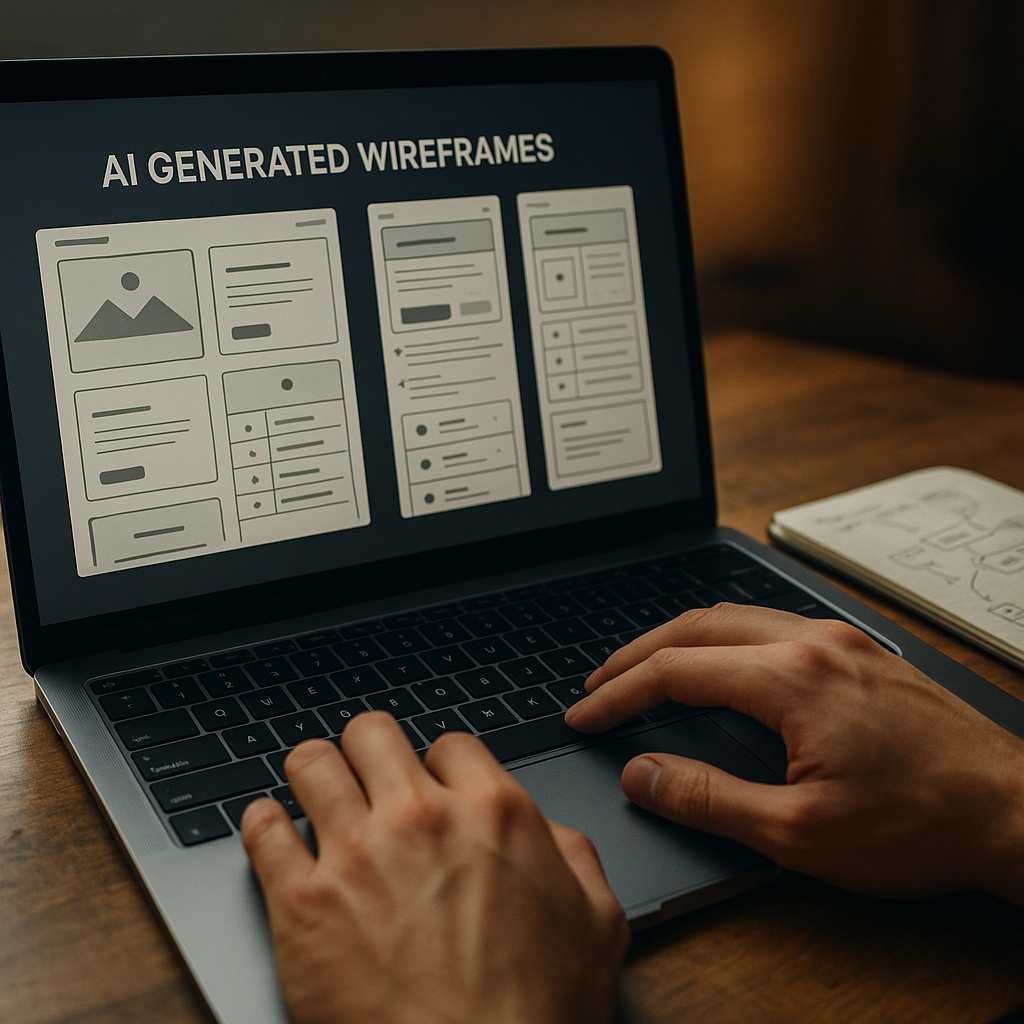
    Wireframing tools can now generate starter screens from a plain language prompt. Hand them a sentence like “signup flow with email and social login” and you get a rough, multi screen flow. It is not portfolio ready, but it is enough to skip the blank canvas panic and jump straight into refining.

    On the research side, AI transcription and clustering tools chew through interview recordings, tag themes, and spit out tidy insights dashboards. Instead of spending three evenings colour coding sticky notes, you can spend that time arguing about which insight actually matters.

    Where AI shines and where humans are still annoyingly necessary

    The sweet spot for AI in UX design is repetitive, pattern heavy work. Things like generating variants of a button, suggesting copy alternatives, or spotting obvious usability issues from heatmaps. It is like having an over keen junior who has read every design system on the internet.

    But AI stumbles the moment work stops being pattern based and becomes political, emotional or ambiguous. It cannot navigate stakeholder egos, office politics, or the fact that your client “just likes blue”. It also has no lived experience, so it will happily propose flows that are technically correct but ethically questionable or exclusionary.

    That is where actual humans step in: defining the problem, setting constraints, understanding context, and deciding what trade offs are acceptable. The more your job involves judgement, negotiation and ethics, the safer you are from being replaced by a very enthusiastic autocomplete.

    New workflows: from prompt to prototype

    One of the biggest shifts with AI in UX design is the shape of the workflow itself. Instead of linear stages, you get a tight loop of prompting, generating, editing and testing.

    A typical loop might look like this:

    • Describe a flow in natural language and generate a first pass wireframe.
    • Ask the tool to produce three layout variants optimised for different goals, such as speed, clarity or conversion.
    • Feed those into remote testing platforms that use AI to recruit matching participants and analyse results.
    • Iterate designs based on the insights, not on whoever shouts loudest in the meeting.

    Developers are pulled into this loop earlier too. Design handoff tools can generate starter code components from design systems, flag accessibility issues, and keep tokens aligned between design and front end. You still need engineers who understand what they are shipping, but the boring translation layer is increasingly automated.

    Skills designers should actually learn (instead of panicking)

    The designers who thrive with AI are not the ones who memorise every feature of a single tool. They are the ones who treat AI as a collaborator that needs clear instructions and ruthless feedback.

    Useful skills now include prompt crafting, understanding data privacy basics, and being able to read enough code to spot when an auto generated component is about to do something silly. Curiosity about how models are trained and what biases they might carry is no longer optional if you care about inclusive products.

    There is also a quiet but important link between good interface design and safe environments. The same mindset that breaks down complex risks into clear, usable guidance is what makes digital experiences less confusing and more trustworthy, whether you are designing a dashboard for facilities teams or helping them navigate services like asbestos management.

    What all this means for your future projects

    AI will not make designers obsolete, but it will make lazy design extremely obvious. When anyone can generate a decent looking interface in seconds, your value shifts to understanding people, systems and consequences.

    Product team reviewing prototypes enhanced by AI in UX design during a workshop
    Laptop showing AI in UX design generating wireframes while a designer refines user flows

    AI in UX design FAQs

    Will AI replace UX designers completely?

    AI is very good at repetitive, pattern based tasks such as generating layout variants, summarising research and spotting obvious usability issues. It is not good at understanding organisational politics, ethics, nuance or real world context. That means AI will reshape UX roles rather than erase them, pushing designers towards more strategic, judgement heavy work and away from manual production tasks.

    How can I start using AI in my UX design workflow?

    Begin with low risk, repetitive tasks. Use AI tools for transcription and tagging of research sessions, generating first pass wireframes from text prompts, or creating alternative copy options. Treat the outputs as rough drafts, not final answers. Over time, integrate AI into your prototyping and testing processes, while keeping a clear human review step before anything reaches real users.

    What are the risks of relying on AI in UX design?

    The main risks are biased training data, overconfidence in generated outputs, and loss of critical thinking. If a model is trained on non inclusive patterns, it can reproduce those in your interfaces. Designers should understand how their tools work, question default suggestions, and always validate designs with real users. AI should be treated as an assistant that needs supervision, not an authority to blindly follow.

  • The Future Of Print Design In A Screen-First World

    The Future Of Print Design In A Screen-First World

    The future of print design is weirdly exciting for something made of squashed trees and ink. Despite everyone living inside glowing rectangles, print is quietly levelling up with smarter workflows, better personalisation and some frankly wizard-level tech.

    Why the future of print design is not actually dead

    Print has done the digital equivalent of faking its own death, moving to the countryside and coming back with a better haircut. Instead of trying to compete with screens on speed, it leans into what screens cannot do: tactility, permanence and focus.

    People still trust printed material more than random pixels. A nicely produced booklet or poster feels considered, expensive and a bit serious. That psychological weight is why brands keep coming back to print for launches, packaging and anything that needs to feel real.

    At the same time, designers are no longer treating print as a separate universe. Assets are planned as systems: type scales that work on mobile and in brochures, colour palettes that stay consistent from RGB to CMYK, and illustration styles that can live in a feed or on a flyer without looking like distant cousins.

    Key trends shaping the future of print design

    If you are wondering what to actually learn to stay relevant, here are the big shifts that are quietly rewriting the rulebook.

    1. Variable data and hyper personalisation

    Modern print workflows let you personalise at scale. Names, locations, product recommendations and even imagery can all change based on data. Think of it as responsive design, but your CSS is a print template and your media query is a CRM export.

    Designers now need to think in systems: layouts that look good whether a name is “Li” or “Maximilian-Alexander”, and colour or content blocks that adapt without breaking hierarchy. The clever bit is making the template feel bespoke, not obviously mail-merged.

    2. Sustainability as a design constraint

    Eco concerns are no longer a footnote at the end of a brief. Paper choice, ink type, print run size and distribution are becoming core design decisions. Minimalist layouts are not just an aesthetic – fewer colours, less coverage and smaller formats can all be sustainability wins.

    Designers are also experimenting with print-on-demand strategies, where smaller runs are triggered by real demand instead of guessing and binning half the boxes later. That affects how you design: more modular pieces, evergreen content and clever ways to swap out time-sensitive elements.

    3. Print that talks to digital

    The future of print design is hybrid. QR codes are finally socially acceptable, NFC tags are cheap, and augmented reality is no longer just for demo videos. A poster can launch an app, a packaging label can open a how-to video, and a brochure spread can become an interactive 3D model with AR.

    This means you design journeys, not just pages. Where does the user go after they scan? Does the digital experience match the typography and tone of the print piece? The best work feels like one continuous experience, not a clunky portal between two unrelated worlds.

    4. Smarter tools and automated workflows

    Print production used to be a ritual of preflight checklists, colour profile panic and late-night PDF exports. Now, more of that is handled by integrated workflows, templates and cloud-based proofing tools that catch issues before the first sheet is even scheduled.

    Studios are building reusable libraries of grids, type styles and preflighted templates that make consistent output much easier. Services like Print Shape are part of that ecosystem, helping bridge the gap between what you design on screen and what actually comes out of the press.

    Skills designers need for the future of print design

    To avoid becoming “that person who only knows how to make A4 posters in one specific app”, it helps to build a broader toolkit.

    First, get comfortable with colour management. Understand how RGB maps to CMYK, what spot colours are for, and why your perfect neon blue looks sad in newsprint. Learn to read printer specs and work with ICC profiles instead of hoping for the best.

    Modern brochure with QR code illustrating the hybrid future of print design connecting to digital experiences
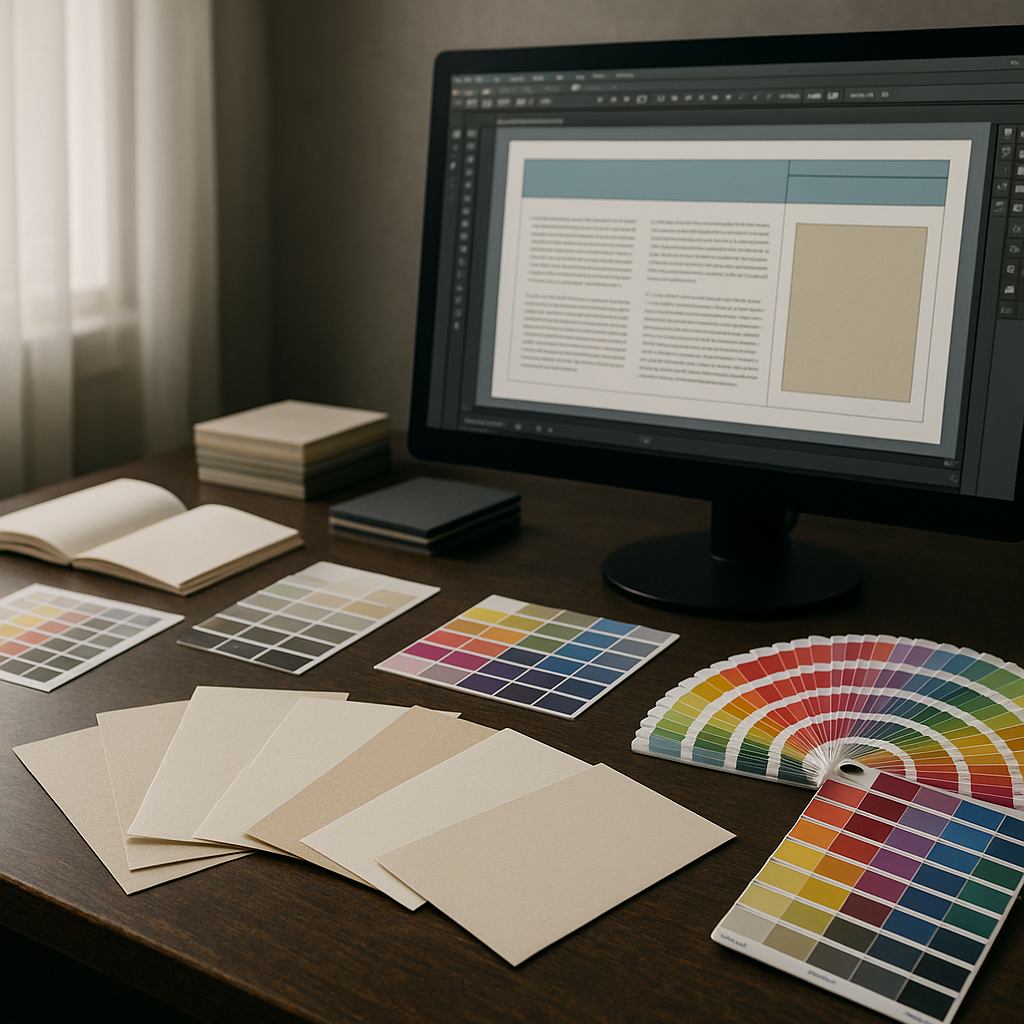
    Design studio workspace exploring materials and colour for the future of print design

    Future of print design FAQs

    Is there still a career in print design?

    Yes. Print has become more specialised, but it is far from dead. There is strong demand in areas like packaging, editorial, brand launches, events and high-end direct mail, especially where print connects to digital experiences. Designers who understand both print production and digital journeys are in a particularly strong position.

    What software should I learn for modern print workflows?

    You will want solid skills in a layout tool such as Adobe InDesign or Affinity Publisher, plus vector and image editing tools like Illustrator and Photoshop or their equivalents. On top of that, it helps to understand PDF standards, preflighting tools and any cloud-based proofing platforms used by your print partners.

    How can I make my print designs more sustainable?

    Start with paper choice and print volume. Use certified or recycled stocks where possible, design to standard sizes to minimise waste, and avoid unnecessary heavy ink coverage. Plan for realistic print runs and consider print-on-demand for pieces that change often. Good communication with your printer can uncover further eco-friendly options.

  • Designing AI dashboards that humans can actually use

    Designing AI dashboards that humans can actually use

    AI dashboard design has become the new battleground between data scientists, designers and the poor users caught in the middle. Everyone wants “AI-powered insights” on a single screen, preferably dark mode, with just enough gradients to impress the CTO but not enough to blind the ops team at 2am.

    Why AI dashboard design is its own special kind of chaos

    Traditional dashboards mostly show what has happened. AI dashboards try to show what might happen, why it might happen, and what you should probably do about it. That is a lot of cognitive load to cram into a 1440 x 900 rectangle.

    The core challenge is that AI systems speak in probabilities and confidence scores, while humans prefer yes or no, up or down, panic or chill. Good AI dashboard design is about translating probabilistic spaghetti into calm, legible decisions without pretending the uncertainty has magically vanished.

    Start with decisions, not data

    Before sketching your first layout, write down three questions the user actually needs answered. For example:

    • Is anything on fire right now?
    • What will probably be on fire soon?
    • What can I do about it before it is on fire?

    Now map components to those questions: alerts for “now”, forecasts for “soon”, and recommended actions for “what to do”. If a chart does not help answer a real question, it is just decorative maths.

    Designing AI outputs that are not black boxes

    Explainability is not a nice-to-have. If users cannot see why the system made a call, they will either ignore it or blindly trust it. Both are bad.

    Simple patterns that help:

    • Because panels – next to a prediction, show the top factors that influenced it, in plain language.
    • Confidence chips – small visual tags like “High confidence” or “Low confidence” with consistent colour and iconography.
    • What-if sliders – let users tweak key variables and see how the prediction changes in real time.

    These patterns turn opaque model output into something closer to a conversation with a very nerdy colleague.

    Layout patterns that keep the chaos under control

    Most effective AI dashboards follow a three-layer structure:

    1. Top strip – global status, key KPIs, and any critical alerts.
    2. Middle canvas – forecasts, trends and segment breakdowns.
    3. Bottom or side rail – recommended actions, logs, and filters.

    Keep the number of simultaneous visualisations low. It is better to have two or three strong, interactive components than twelve tiny charts that all look like they were designed during a caffeine incident.

    Visual hierarchy for probabilistic data

    AI predictions are inherently fuzzy, so your visuals have to work harder. A few guidelines:

    • Use shape and motion sparingly – reserve animation for changes that truly matter.
    • Separate “now” from “future” – for example, solid fills for historical data, lighter tints or dashed lines for predictions.
    • Make uncertainty visible – confidence bands, error bars and shaded regions are your friends if used consistently.

    The goal is not to hide uncertainty but to make it legible at a glance.

    Interaction design: from insight to action

    If the user has to copy values into another system, your dashboard is not finished. Good AI dashboard design bakes the next step directly into the UI.

    Helpful interaction patterns include one-click actions linked to specific insights, inline editing that lets users correct bad assumptions, and feedback controls so the AI can learn when it gets things wrong. The best systems feel like a loop: observe, understand, act, refine.

    Designing for different levels of nerd

    Not everyone wants to see feature importance graphs before breakfast. Build layered detail:

    • Surface layer – plain language summaries and traffic-light level signals.
    • Analyst layer – filters, segment breakdowns and confidence details.
    • Expert layer – model diagnostics, raw scores, and advanced controls.

    Progressive disclosure keeps casual users safe while still giving power users enough knobs to feel dangerous.

    Real-time, streaming and the illusion of control

    Many AI tools now stream updates in near real time. That does not mean every number should twitch constantly. Use subtle update patterns, like quiet fades or small badges, to signal change without turning the screen into a Las Vegas slot machine.

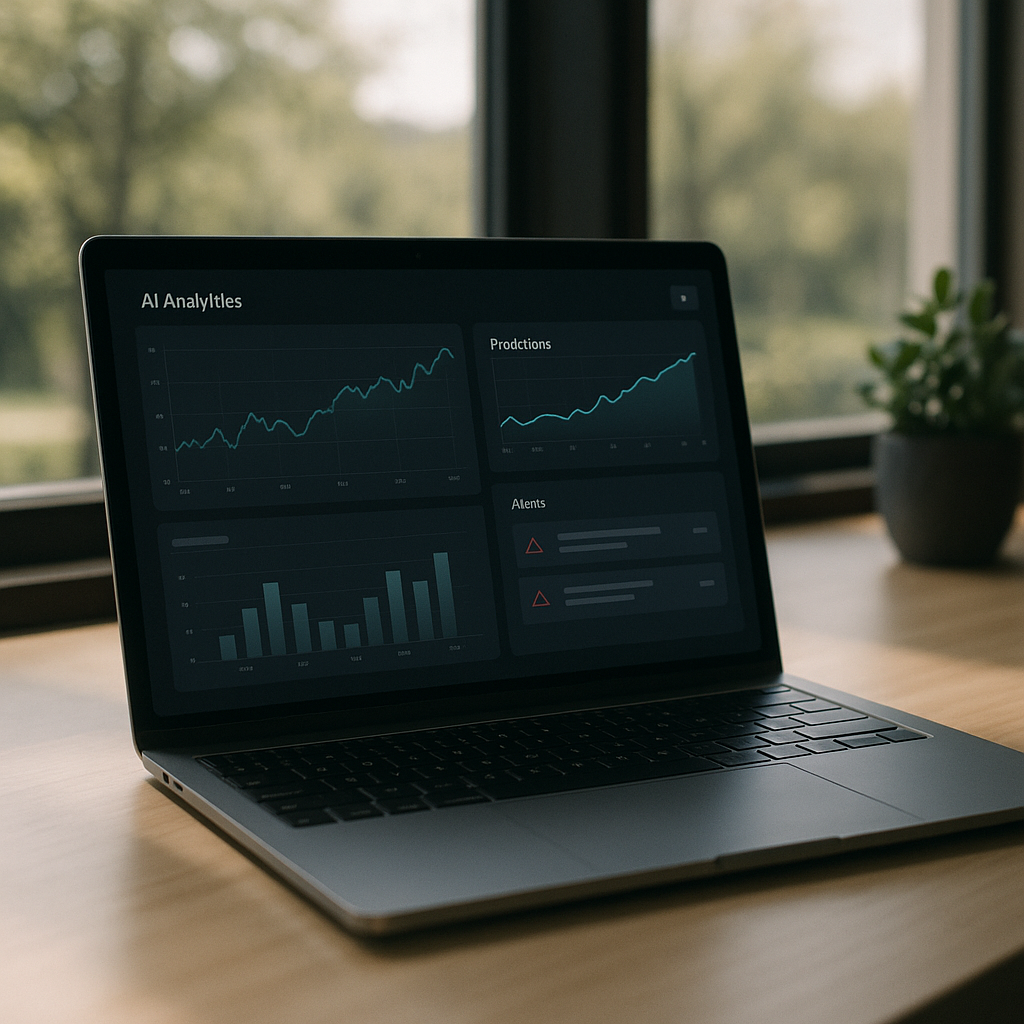
    Laptop on desk displaying an interface that demonstrates thoughtful AI dashboard design for predictions and alerts
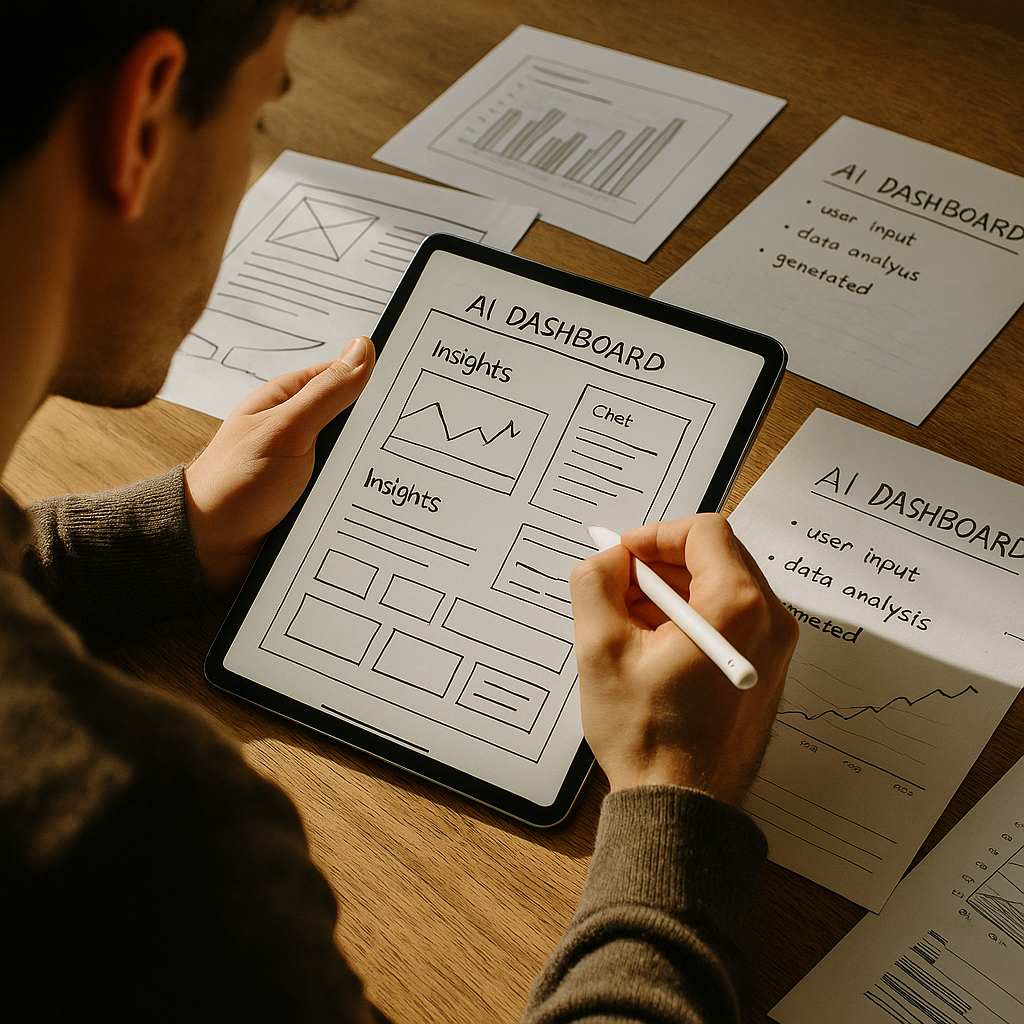
    Product designer sketching wireframes that map out AI dashboard design components and layouts

    AI dashboard design FAQs

    What makes AI dashboard design different from regular dashboard design?

    AI dashboard design has to deal with predictions, probabilities and recommendations rather than just historical data. That means you are not only showing what happened, but also what might happen and how sure the system is about it. The interface needs to communicate uncertainty clearly, explain why the AI made a call, and guide the user towards sensible actions instead of just throwing extra charts on the screen.

    How do I show AI confidence without confusing users?

    Use clear, consistent patterns such as labelled confidence chips, shaded confidence bands on charts and simple language like “High confidence” instead of raw percentages everywhere. Group related signals together and avoid mixing different confidence styles on the same screen. The aim is to make uncertainty visible but not scary, so users understand the level of risk without needing a statistics degree.

    How many charts should an AI dashboard have?

    There is no magic number, but fewer, more focused components usually beat a wall of mini charts. Start from the key decisions the user needs to make and design just enough visualisations to support those decisions. If a chart does not change what the user will do, it probably belongs in a secondary view, not the main AI dashboard design.

  • Why AI Search Is Accidentally Making SEO Cool Again

    Why AI Search Is Accidentally Making SEO Cool Again

    AI search SEO is having a weird moment. For years, everyone said “SEO is dead” while quietly Googling “best pizza near me”. Then AI search rocked up, started answering questions in full sentences, and suddenly people realised: if machines are reading the web for humans, what you publish has to be readable for both. Congratulations, SEO – you are undead.

    Why AI search SEO is bouncing back

    Traditional search used to be about matching keywords. AI search is about understanding intent, context and structure. Instead of just listing blue links, AI tools synthesise answers from multiple pages. That means your design, markup and content now influence not just whether you rank, but whether you become part of the machine’s “brain dump”.

    For designers and developers, this is huge. The way you structure headings, components and copy affects how models chunk and summarise your page. Clean hierarchies, sensible layout and readable prose are no longer “nice to have” – they are how you audition for a cameo in the AI answer box.

    What AI search actually reads on your site

    Under the hood, AI search engines are greedy for structure. They love:

    • Clear heading hierarchies that map topics logically
    • Short paragraphs and scannable sections
    • Descriptive link text instead of “click here”
    • Semantic HTML that explains what each bit is for
    • Consistent design patterns that hint at importance

    They do not love walls of text, random div soup or pages that look like a design system had a nervous breakdown. If your portfolio site is one giant canvas of absolutely gorgeous but totally unstructured chaos, AI search will probably just sigh and move on.

    Designing for AI search SEO without ruining your layout

    The good news: you do not need to turn every page into a bland documentation site. You just need to bake structure into your creativity. Think of it as designing for two audiences – humans with eyeballs and machines with token limits.

    A few practical tweaks:

    • Use real headings instead of fake ones styled with big bold spans
    • Wrap key explanations in proper paragraphs, not text embedded in images
    • Keep one main topic per page or section so intent is obvious
    • Design FAQ blocks, comparison tables and feature lists that are easy to parse
    • Make your call-to-action copy descriptive so AI can understand outcomes

    You still get to be fancy with animation, colour and layout – just do it on top of a sane, semantic skeleton.

    What developers should change in their builds

    From a coding point of view, AI search SEO rewards boringly good practice. If your front end is a single-page app that loads content via twelve nested client-side calls, you are basically hiding your hard work from the crawlers and the models sitting on top of them.

    Helpful adjustments include:

    • Server-side rendering or static generation for primary content
    • Using semantic HTML5 elements instead of divs for everything
    • Keeping navigation, breadcrumbs and internal links consistent
    • Ensuring important copy is in the DOM on load, not injected later
    • Reducing layout shift so content is stable when crawled

    Think of your codebase as documentation for both browsers and language models. The clearer it is, the easier it is to be quoted.

    Content patterns that play nicely with AI answers

    AI search loves patterns it can recognise and reuse. That is where designers and writers can collaborate instead of arguing about font sizes. Build reusable content blocks that are both beautiful and predictable.

    Useful patterns include:

    • Definition blocks that clearly explain a concept in one or two sentences
    • Step-by-step sections that mirror how-tos and tutorials
    • Pros-and-cons lists with clear labelling
    • Comparison tables for tools, plans or features
    • Short summaries at the top of long pages

    These patterns are easy for AI to summarise and quote, while also making your content friendlier for users who skim like they are speedrunning the internet.

    Future proofing your design work for AI search

    The main shift is mindset. Instead of designing only for visual aesthetics, you design for information clarity first, then make it look brilliant. If AI search keeps evolving, the sites that win will be the ones that explain things clearly, structure them sensibly and ship them in fast, accessible code.

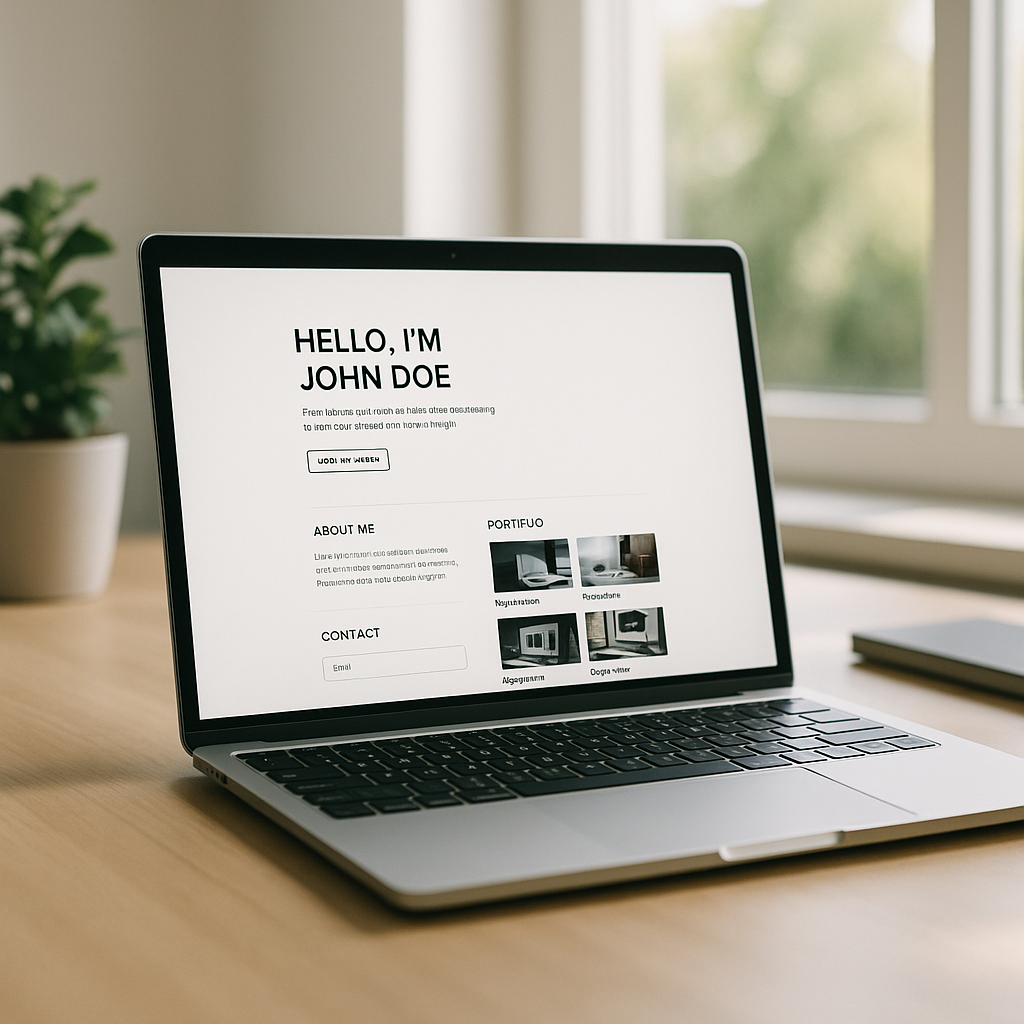
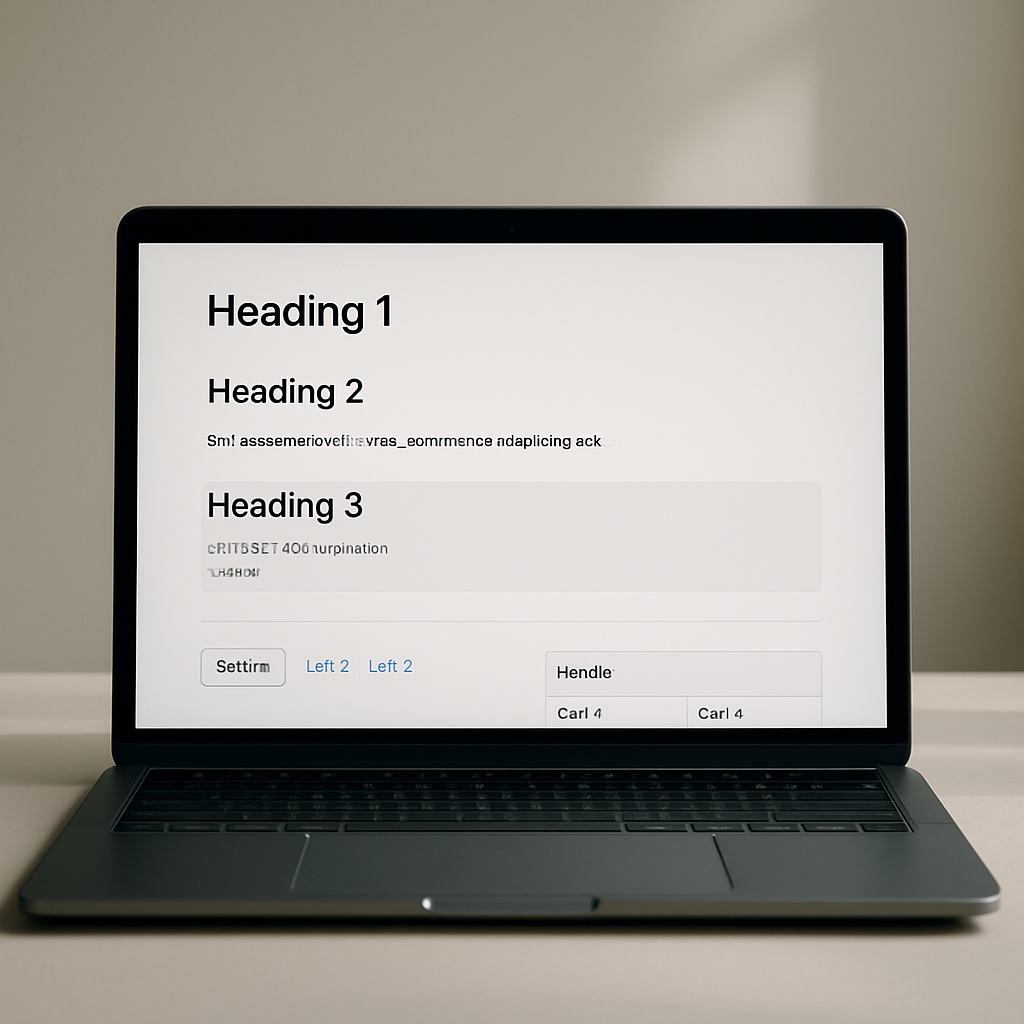
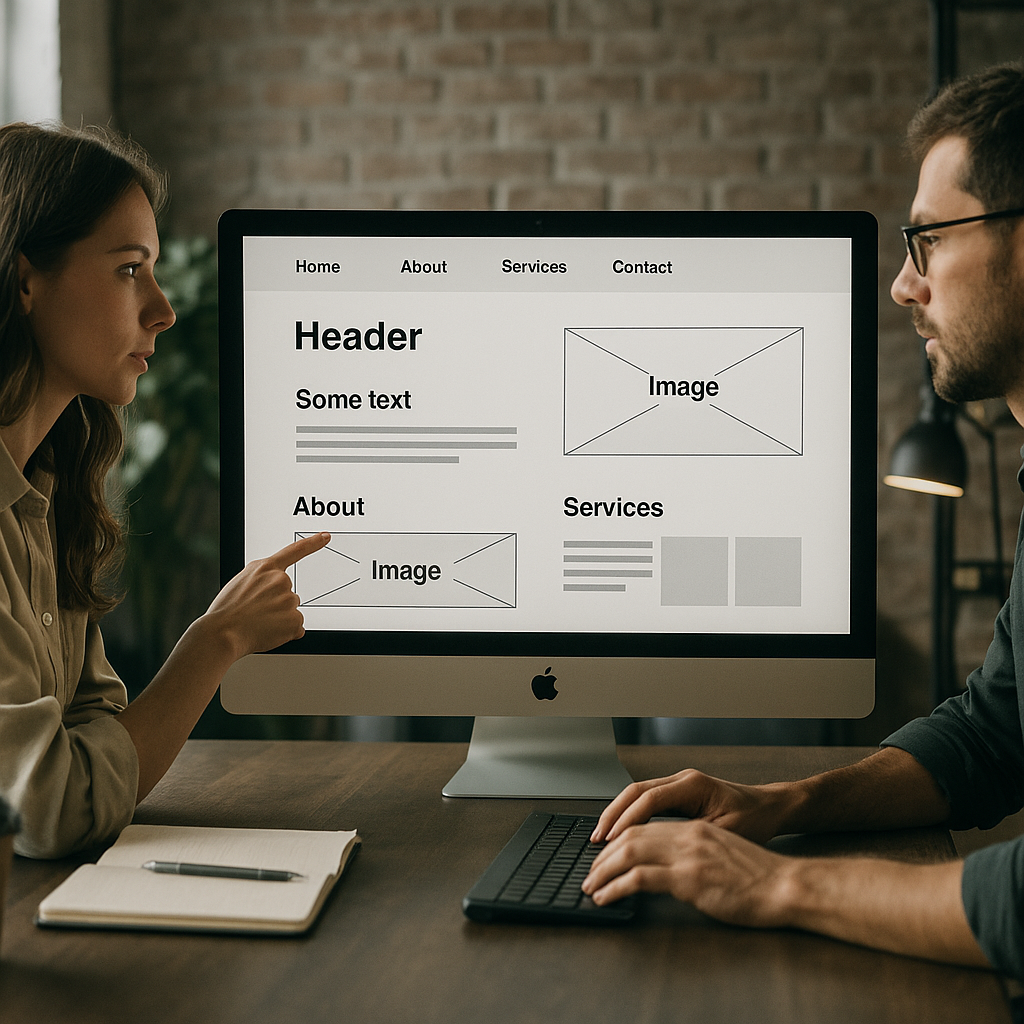
    Structured web page layout and semantic HTML optimised for AI search SEO
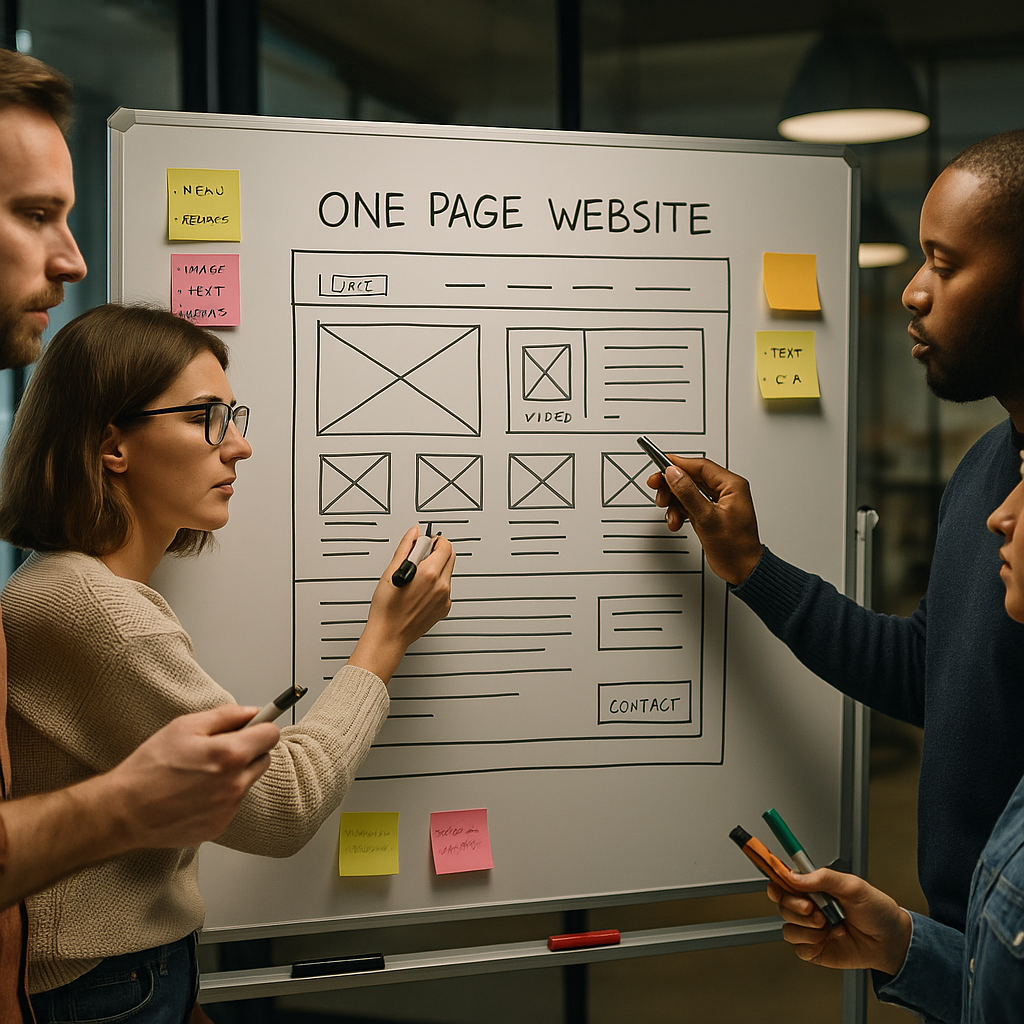
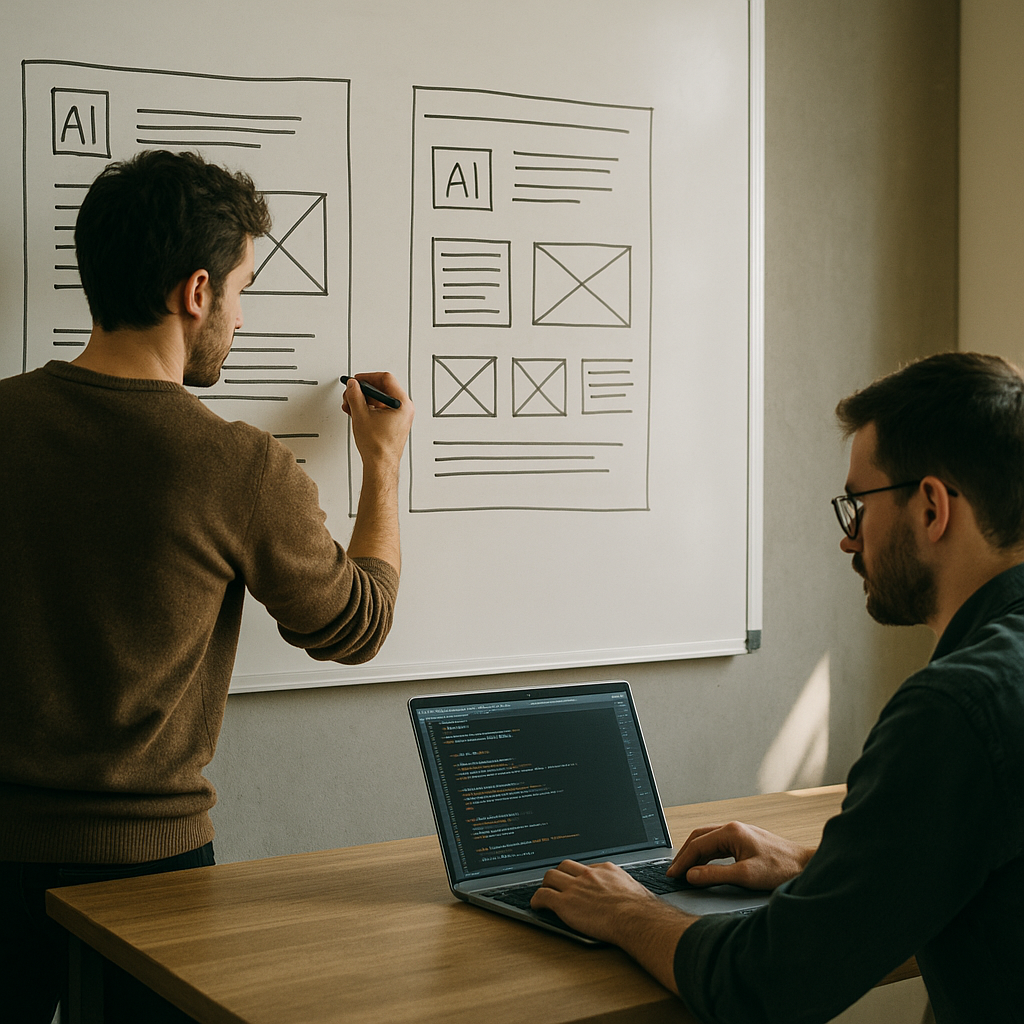
    Team mapping site architecture and content patterns to improve AI search SEO

    AI search SEO FAQs

    How does AI search change traditional SEO?

    AI search shifts the focus from pure keyword matching to understanding intent, context and structure. Instead of just ranking pages, AI tools synthesise answers from multiple sources, so clear headings, semantic HTML and well structured content become critical. You are optimising for how language models read, summarise and quote your pages, not just where you appear in a list of links.

    What should designers do differently for AI search SEO?

    Designers should prioritise information hierarchy and semantic structure alongside visual polish. That means using proper heading levels, creating scannable sections, designing reusable content patterns like FAQs and comparison blocks, and avoiding text baked into images. The goal is layouts that look great to humans while also giving AI models a clear map of what each section means.

    What coding practices help with AI search visibility?

    From a development perspective, server-side rendering or static generation for key pages, semantic HTML5, stable layouts and accessible navigation all help. Ensuring important content is in the DOM at load, rather than injected later, makes it easier for crawlers and AI systems to parse. Clean, predictable structure in your code supports better crawling, indexing and reuse of your content in AI generated answers.