
Flat screens are, in a very real sense, a temporary detour. The history of computing has been marching steadily towards immersive, three-dimensional environments since at least the early 1990s, and in 2026, it finally feels like that march has arrived somewhere interesting. Spatial design for AR and VR is no longer a niche pursuit for game developers and science fiction prop designers. It is becoming a core competency for anyone who takes digital design seriously. If you have not already started paying attention to it, now is the right moment.
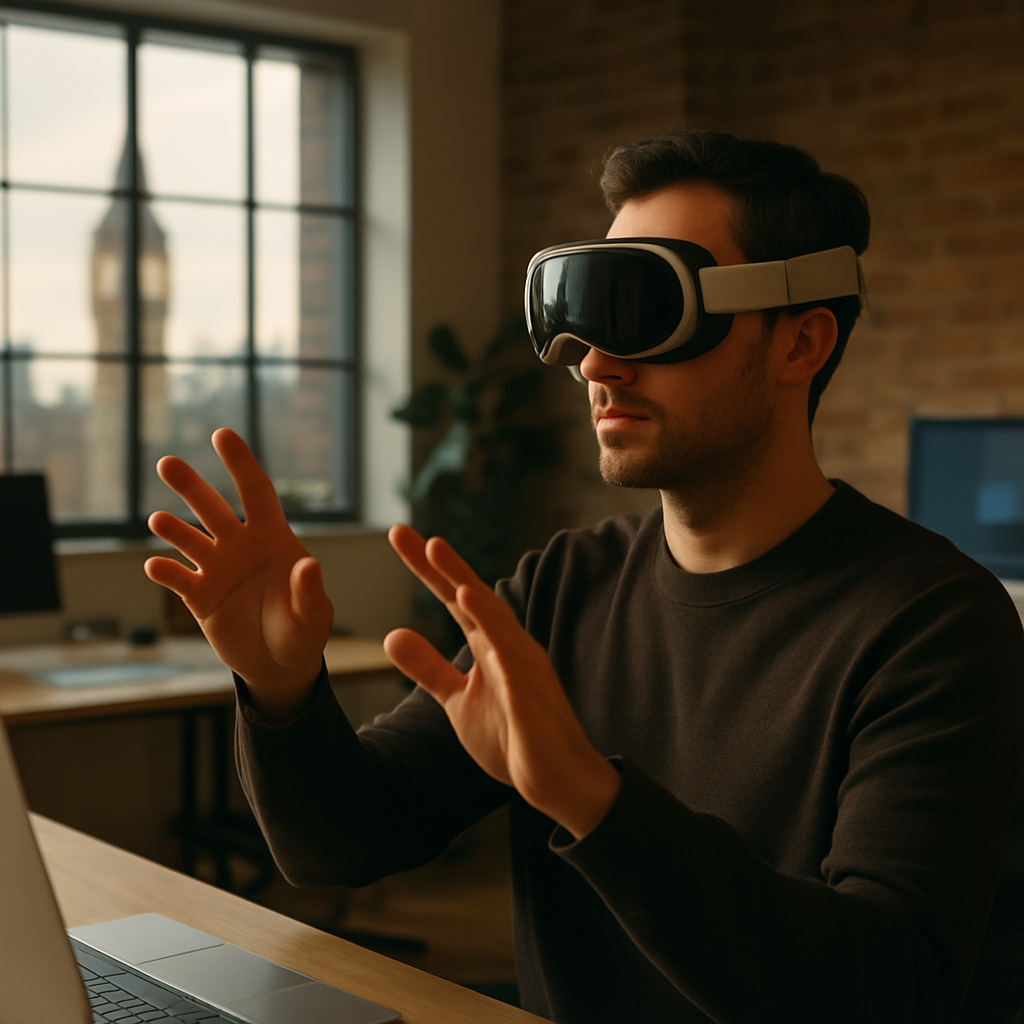
So What Actually Is Spatial Design?
Spatial design, in the context of mixed reality, AR, and VR, is the practice of designing experiences that exist in three-dimensional space rather than on a flat, two-dimensional surface. Think less “where does this button go on the screen” and more “where does this interface element live in the room, relative to the user’s body, line of sight, and physical environment.”
It borrows heavily from architecture, interior design, and theatrical set design, disciplines that have understood for centuries how humans perceive and navigate physical space. The difference now is that the space being designed is digital, layered on top of reality or fully synthetic, and the user is inside it rather than looking at it from the outside. That single inversion changes almost everything about how design decisions get made.
Proximity matters. Depth matters. Sound direction matters. The fact that a user can physically move their head, lean in, or walk around an object means you can no longer rely on the static hierarchy of a webpage or a mobile interface. Spatial design is, in many ways, design with the training wheels removed.
Core Principles of Spatial Design for AR and VR
There are a handful of foundational principles that any designer moving into this space needs to internalise fairly quickly.
Depth and Z-Axis Thinking
On a screen, you fake depth with shadows, scale, and opacity. In spatial environments, depth is real and has physical consequences. Elements placed too close to a user’s face cause eye strain. Objects positioned at inconsistent depths break the sense of presence. Designers need to think in three axes simultaneously, not two, which sounds straightforward until you actually try to prototype something and realise your brain has been trained to think in rectangles for the past decade.
Ergonomics and Comfort Zones
The human field of comfortable vision sits roughly within a 30-degree cone directly ahead. Pushing important interface elements outside this zone is the spatial equivalent of putting a navigation menu behind a user’s back. Comfort zones, both visual and physical, need to drive layout decisions in the same way grid systems drive flat UI work.
Affordances Without Screens
In flat UI, buttons look tappable because decades of convention have trained users to recognise them. In spatial environments, those conventions largely evaporate. A floating 3D object needs to communicate its interactivity through shape, glow, haptic feedback, or audio cues. Designing affordances from scratch is genuinely hard and creatively fascinating in equal measure.
Environmental Awareness in AR
Augmented reality layers digital content onto the real world, which means your design exists in a space you did not create and cannot fully control. A translucent panel that reads beautifully against a white studio wall might be completely illegible in a cluttered living room or a busy office. Adaptive contrast, anchoring logic, and graceful degradation are not optional extras in AR design; they are the job.

The Key Tools in 2026
The tooling landscape for spatial design for AR and VR has matured considerably. A few years ago you were largely at the mercy of game engines and command-line configuration. Now the options are more accessible, though still demanding.
Apple Vision Pro Development Kit
Apple’s Vision Pro, and the associated visionOS SDK distributed through Xcode, has shifted expectations significantly. The development kit supports RealityKit and Reality Composer Pro, which let designers build spatial experiences with relatively accessible drag-and-drop workflows alongside Swift-based coding. The device itself has sold in relatively modest volumes so far, but the design standards Apple has established, particularly around personal space, typography legibility in 3D, and eye-tracking interaction, have become reference points for the whole industry. If you want to understand where premium spatial UI is heading, studying the visionOS Human Interface Guidelines is time well spent.
Unity and Unreal Engine
Both remain the workhorses of VR development. Unity’s XR Interaction Toolkit has improved dramatically, and for designers who are comfortable crossing into light coding territory, it gives you fine-grained control over spatial interactions. Unreal Engine’s Lumen lighting system produces physically accurate lighting in real time, which matters enormously when you are trying to make virtual objects feel like they genuinely occupy a space.
Spline and ShapesXR
For designers who want to prototype spatial interfaces without going full game-engine, tools like Spline (which now exports to WebXR) and ShapesXR (a design tool you use inside a VR headset) have become genuinely useful. They are not production-ready pipelines, but for exploring ideas and communicating spatial concepts to stakeholders, they are excellent.
WebXR and the Open Web
It is worth noting that not all spatial experiences require native apps or expensive hardware. WebXR, supported across major browsers, allows spatial and AR experiences to be delivered through a URL. For web designers in particular, this is probably the lowest-friction entry point into spatial work. The Mozilla WebXR documentation is solid and genuinely accessible if you want to start experimenting.
Why Spatial Design Is Becoming an Essential Skill Right Now
Here is the honest version of why this matters in 2026 specifically. The hardware bottleneck is starting to ease. Headset prices are dropping, pass-through AR on devices like the Meta Quest 3 is surprisingly capable at a fraction of the Vision Pro’s price, and several UK retailers, including John Lewis and Currys, have been steadily expanding their immersive tech sections. The demand for spatial experiences is growing faster than the supply of designers who can actually build them well.
There is also a broader professional context worth thinking about. Businesses across sectors, from retail and property to healthcare and training, are exploring spatial applications. A design agency that can credibly offer spatial design work alongside its flat digital output is going to be in a genuinely differentiated position. Even from a visibility standpoint, the kind of earned attention that comes from doing genuinely novel work, whether that is through industry press, community recognition, or even local PR, tends to follow early movers in emerging disciplines. Being the practice that demonstrably understands spatial work before it goes fully mainstream is a compounding advantage.
Where to Actually Start
My honest recommendation: do not try to learn everything at once. Pick one device, one tool, and one small project. Build a spatial UI prototype in ShapesXR or Reality Composer Pro. Walk through it. Notice what feels wrong. Notice the specific moments where your flat-screen instincts lead you somewhere uncomfortable. That friction is the lesson.
Then read the visionOS HIG and compare Apple’s spatial design decisions against what you built intuitively. The gap between those two things is your curriculum.
Spatial design for AR and VR is not a replacement for everything you already know about design. It is an extension of it into three dimensions, with higher stakes, more constraints, and considerably more creative headroom. The designers who start building fluency now will not be scrambling to catch up when spatial computing shifts from early adopter territory to mainstream expectation. And based on the trajectory of the hardware and the software ecosystems around it, that shift is closer than most people in the industry are currently planning for.
Frequently Asked Questions
What is spatial design in AR and VR?
Spatial design for AR and VR is the practice of creating digital experiences that exist in three-dimensional space rather than on a flat screen. It involves designing interfaces, environments, and interactions that respond to a user’s physical position, gaze, and movement within a real or simulated space.
Do I need to know how to code to get into spatial design?
Not necessarily at the start. Tools like Reality Composer Pro, ShapesXR, and Spline allow designers to prototype spatial experiences with minimal coding. However, progressing to production-level work on platforms like visionOS or Unity will benefit significantly from at least a working knowledge of Swift or C#.
What hardware do I need to start learning spatial design?
You can begin with WebXR experiments using just a browser and a standard computer. For more immersive prototyping, a Meta Quest 3 offers a relatively accessible entry point at a lower price point than the Apple Vision Pro, and it supports a wide range of development tools.
How is spatial design different from regular UI/UX design?
Traditional UI/UX design works within fixed rectangular boundaries on flat screens. Spatial design removes those boundaries and requires designers to think about depth, physical comfort, environmental context, and three-dimensional affordances. Established conventions like buttons and navigation menus largely have to be rethought from first principles.
Is spatial design only relevant for games and entertainment?
No. Spatial design is increasingly relevant across sectors including retail, property, healthcare, education, and industrial training. In the UK, industries such as construction, architecture, and medical simulation are already deploying spatial applications, making it a broadly useful skill for digital designers beyond gaming contexts.