
AI in UX design used to sound like a buzzword you would hear at a conference right before the free pastries. Now it is baked into the tools we use every day, quietly rewriting workflows, expectations and, yes, job descriptions.
What AI in UX design actually looks like in real tools
The interesting thing about AI in UX design is that it rarely shows up as a big red “AI” button. It sneaks in as “suggested layout”, “smart content” or “auto label”. Design tools analyse your past projects, common patterns across millions of interfaces, and user behaviour data to nudge you towards layouts that actually work.
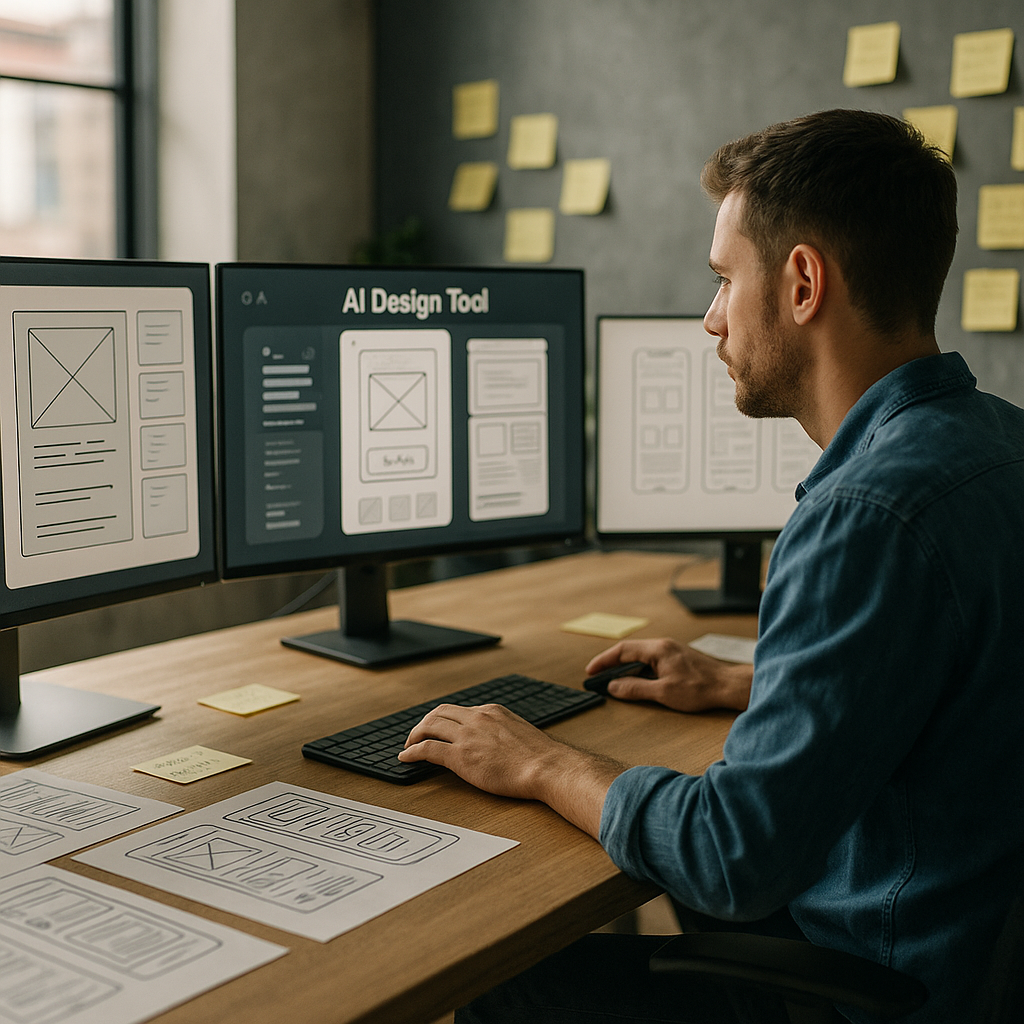
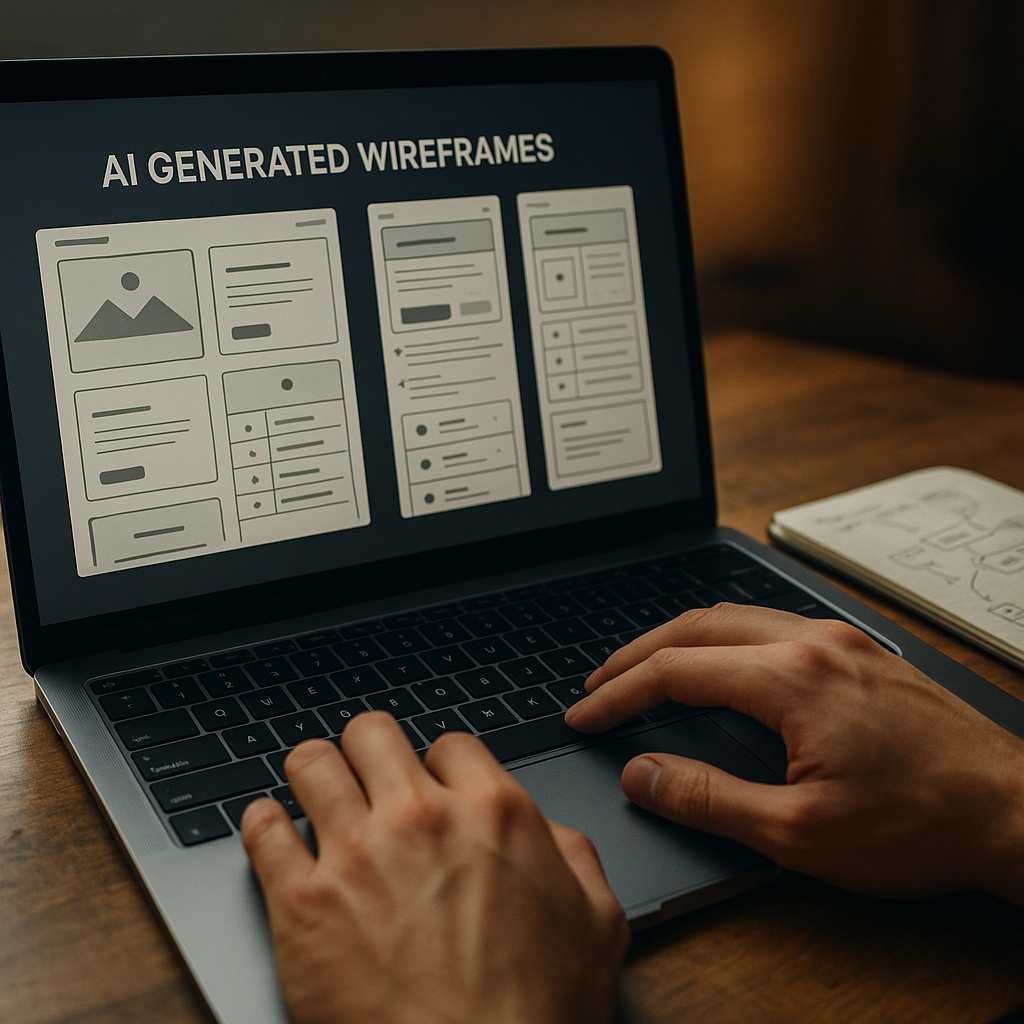
Wireframing tools can now generate starter screens from a plain language prompt. Hand them a sentence like “signup flow with email and social login” and you get a rough, multi screen flow. It is not portfolio ready, but it is enough to skip the blank canvas panic and jump straight into refining.
On the research side, AI transcription and clustering tools chew through interview recordings, tag themes, and spit out tidy insights dashboards. Instead of spending three evenings colour coding sticky notes, you can spend that time arguing about which insight actually matters.
Where AI shines and where humans are still annoyingly necessary
The sweet spot for AI in UX design is repetitive, pattern heavy work. Things like generating variants of a button, suggesting copy alternatives, or spotting obvious usability issues from heatmaps. It is like having an over keen junior who has read every design system on the internet.
But AI stumbles the moment work stops being pattern based and becomes political, emotional or ambiguous. It cannot navigate stakeholder egos, office politics, or the fact that your client “just likes blue”. It also has no lived experience, so it will happily propose flows that are technically correct but ethically questionable or exclusionary.
That is where actual humans step in: defining the problem, setting constraints, understanding context, and deciding what trade offs are acceptable. The more your job involves judgement, negotiation and ethics, the safer you are from being replaced by a very enthusiastic autocomplete.
New workflows: from prompt to prototype
One of the biggest shifts with AI in UX design is the shape of the workflow itself. Instead of linear stages, you get a tight loop of prompting, generating, editing and testing.
A typical loop might look like this:
- Describe a flow in natural language and generate a first pass wireframe.
- Ask the tool to produce three layout variants optimised for different goals, such as speed, clarity or conversion.
- Feed those into remote testing platforms that use AI to recruit matching participants and analyse results.
- Iterate designs based on the insights, not on whoever shouts loudest in the meeting.
Developers are pulled into this loop earlier too. Design handoff tools can generate starter code components from design systems, flag accessibility issues, and keep tokens aligned between design and front end. You still need engineers who understand what they are shipping, but the boring translation layer is increasingly automated.
Skills designers should actually learn (instead of panicking)
The designers who thrive with AI are not the ones who memorise every feature of a single tool. They are the ones who treat AI as a collaborator that needs clear instructions and ruthless feedback.
Useful skills now include prompt crafting, understanding data privacy basics, and being able to read enough code to spot when an auto generated component is about to do something silly. Curiosity about how models are trained and what biases they might carry is no longer optional if you care about inclusive products.
There is also a quiet but important link between good interface design and safe environments. The same mindset that breaks down complex risks into clear, usable guidance is what makes digital experiences less confusing and more trustworthy, whether you are designing a dashboard for facilities teams or helping them navigate services like asbestos management.
What all this means for your future projects
AI will not make designers obsolete, but it will make lazy design extremely obvious. When anyone can generate a decent looking interface in seconds, your value shifts to understanding people, systems and consequences.

AI in UX design FAQs
Will AI replace UX designers completely?
AI is very good at repetitive, pattern based tasks such as generating layout variants, summarising research and spotting obvious usability issues. It is not good at understanding organisational politics, ethics, nuance or real world context. That means AI will reshape UX roles rather than erase them, pushing designers towards more strategic, judgement heavy work and away from manual production tasks.
How can I start using AI in my UX design workflow?
Begin with low risk, repetitive tasks. Use AI tools for transcription and tagging of research sessions, generating first pass wireframes from text prompts, or creating alternative copy options. Treat the outputs as rough drafts, not final answers. Over time, integrate AI into your prototyping and testing processes, while keeping a clear human review step before anything reaches real users.
What are the risks of relying on AI in UX design?
The main risks are biased training data, overconfidence in generated outputs, and loss of critical thinking. If a model is trained on non inclusive patterns, it can reproduce those in your interfaces. Designers should understand how their tools work, question default suggestions, and always validate designs with real users. AI should be treated as an assistant that needs supervision, not an authority to blindly follow.