
Right, let’s settle this properly. The Figma vs Framer 2026 debate has been simmering in design Slack channels, Twitter threads, and conference hallways for a while now, and I think it’s finally reached the point where a proper, no-nonsense comparison is overdue. Both tools have evolved dramatically. Both have serious AI features. Both claim to be the one tool to rule them all. Spoiler: neither is perfect, but the right choice depends enormously on how you work and what you’re actually building.
I’ve spent a good chunk of time in both environments this year, switching between them on different projects, and the experience is genuinely illuminating. So let’s get into it.
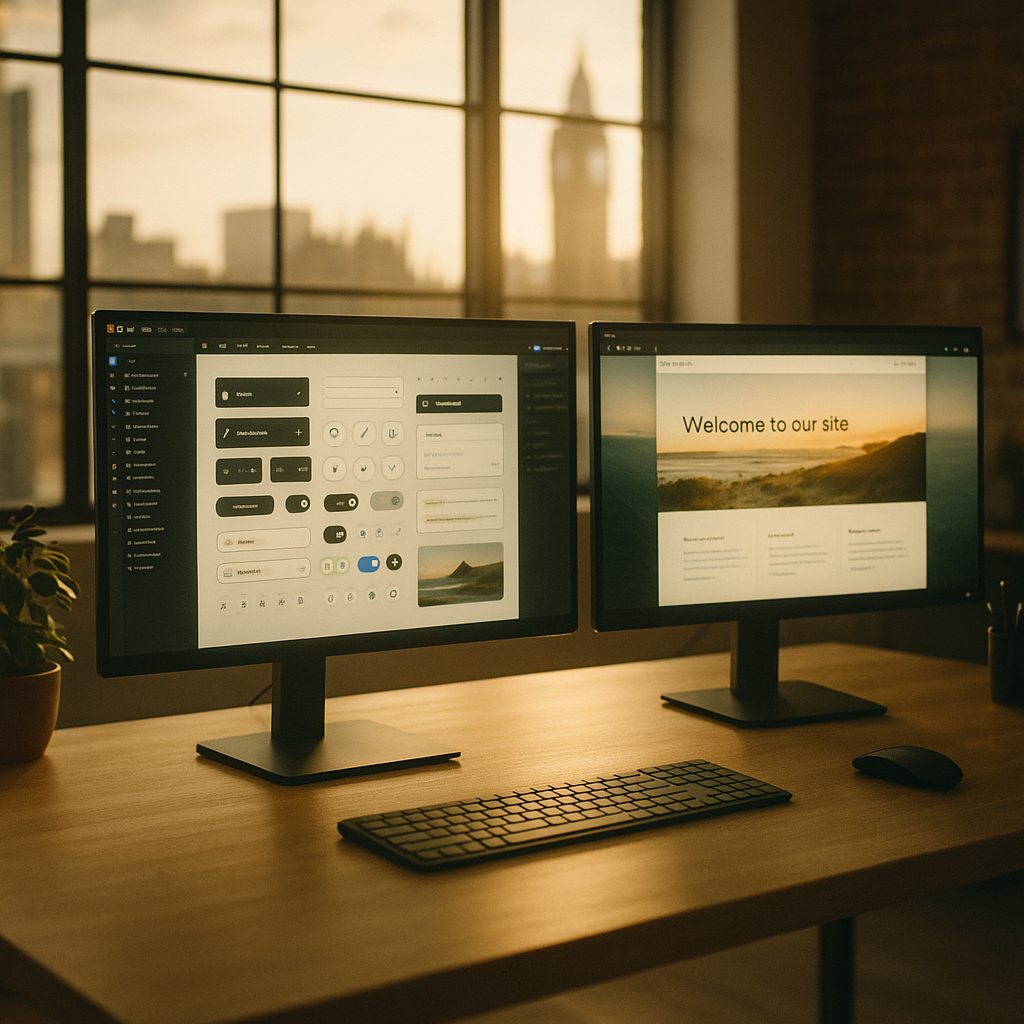
The Core Difference: Design Tool vs Website Builder
Here’s the thing most comparison articles gloss over. Figma and Framer are not really the same type of tool wearing different hats. Figma is, at its core, a collaborative design and prototyping environment. Framer is increasingly a website builder with a very design-forward interface. That distinction matters enormously when you’re deciding which one belongs in your workflow.
Figma excels at being the single source of truth for a design team. Design systems, component libraries, variables, multi-file branching, granular permissions, and a dev mode that engineers actually want to open. It’s built for teams. It’s built for handoff. It’s built for scale.
Framer, meanwhile, has leant hard into the idea that your design should be the product. Build in Framer, publish from Framer, and the prototype IS the website. There’s a real seductiveness to that pitch. No handoff. No translation loss. No developer going “I can’t replicate that blur” at 11pm on a Monday.
Prototyping: Where Each Tool Actually Shines
Figma’s prototyping has improved substantially with the introduction of proper variables and conditional logic. You can now build flows that actually respond to user input, remember state between screens, and simulate real app behaviour without touching a line of code. For UX researchers doing usability testing, this is a genuine step change. It’s still not quite as fluid as some dedicated prototyping tools, but it’s good enough for the vast majority of product design workflows.
Framer’s prototyping feels different because it is different. When you add an animation in Framer, you’re writing (or generating) actual CSS and JavaScript under the hood. Scroll animations, parallax effects, hover states with spring physics, these all feel eerily real because they basically are real. If your job involves building landing pages or marketing sites that need to impress, Framer’s motion capabilities are genuinely ahead. The gap closes when you look at complex app flows with lots of conditional logic, where Figma’s variable system is more structured and easier to audit.
AI Features in 2026: Clever Tricks or Actual Workflow Shifts?
Both tools have gone fairly hard on AI this year, and it’s worth being honest about what’s useful versus what’s just a feature checkbox.
Figma’s AI additions, including the generate UI from text, auto-layout suggestions, and the renamed Make Designs feature, are genuinely handy for rough exploration. The AI rename layers function alone has saved me more time than I care to admit. The AI feels like a set of useful accelerators woven into an existing workflow rather than a fundamental reinvention of how the tool works.

Framer’s AI is more theatrical, but in a good way. The ability to generate entire responsive sections from a text prompt and have them publish-ready is remarkable. It’s not always right, and you’ll spend time cleaning up generated components, but for solo designers or small studios spinning up quick client prototypes, it’s a legitimate time-saver. The AI CMS features, where you can auto-populate content blocks from structured data prompts, are also genuinely novel.
The honest take: Figma’s AI helps you design faster. Framer’s AI helps you ship faster. Those are different problems.
Developer Handoff: The Bit That Actually Determines If Anyone Loves You
This is where the tools diverge most sharply, and where your choice might be made for you by the engineering team rather than by you.
Figma’s Dev Mode is properly excellent now. Developers get computed CSS, annotated specs, asset exports, variable references, and the ability to compare designs against live implementation. Major UK agencies and in-house product teams at companies like Monzo, Deliveroo, and Babylon Health have been running Figma-centred design systems precisely because the handoff story is robust and repeatable at scale. For anyone working inside a product team where designers and engineers collaborate daily, Figma’s handoff pipeline is currently the most mature in the industry.
Framer’s answer to handoff is, essentially, to make it irrelevant. If you’re publishing from Framer, there’s nothing to hand off. That works brilliantly when a designer has full ownership of the front end, which is more common in agency and freelance contexts than in product teams. It breaks down when an engineer needs to integrate your work into a React or Next.js codebase, or when you’re working on a design system shared across multiple products. Framer’s generated code is… acceptable, but it’s not the clean, maintainable output an engineering team wants to build on.
Pricing and the Real Cost of Commitment
Figma’s pricing in 2026 sits at around £12 per editor per month for the Professional plan, with the Organisation plan climbing significantly higher. Since Adobe’s acquisition attempt fell through (still a wild saga), Figma has remained independent and has actually been fairly reasonable about pricing relative to what it delivers. For teams already paying for it, there’s rarely a compelling reason to leave.
Framer’s free tier is generous for personal projects, with paid plans starting around £14 per month per site on the Mini plan. For agencies publishing multiple client sites, the costs can stack up, though the per-site model does mean costs stay somewhat predictable. You can read more about how web tools are classified for business use over at HMRC’s guidance on allowable business expenses, which is relevant if you’re a UK freelancer writing these costs off.
Which Tool Should You Actually Use?
Here’s my genuinely considered take after living in both tools. The Figma vs Framer 2026 debate doesn’t have a universal winner, but it does have contextual winners.
Use Figma if you’re in a product team, working with engineers regularly, managing a design system, or your organisation has more than five designers who need to collaborate. The tooling, the handoff, the design system infrastructure, it’s simply more mature for that context.
Use Framer if you’re a solo designer, part of a small agency, building marketing sites or landing pages, or you want the ability to go from concept to published URL without involving a developer. The motion capabilities alone are worth it for that use case.
And honestly? The most interesting designers I know are using both. Figma for product design and systems work. Framer for pitching, prototyping high-fidelity motion concepts, and spinning up client-facing demos that actually move. That’s not a cop-out answer, it’s just the reality of a field where the tools have genuinely diverged into different niches while appearing to compete in the same space.
The Figma vs Framer 2026 conversation is ultimately a question about where your output lives. If it lives in a codebase, use Figma. If it lives on a URL, seriously consider Framer.
Frequently Asked Questions
Is Framer better than Figma for building websites in 2026?
Framer is arguably better if you want to go directly from design to a published website without developer involvement, particularly for marketing sites and landing pages. Figma remains superior for complex product design, team collaboration, and developer handoff into existing codebases.
Can Figma and Framer be used together in the same workflow?
Yes, and many professional designers do exactly this. A common approach is to use Figma for design systems, component libraries, and developer handoff, then use Framer for high-fidelity motion prototypes and client-facing demos.
Which tool has better AI features in 2026, Figma or Framer?
Both have meaningful AI features, but they serve different purposes. Figma’s AI accelerates the design process with things like auto-renaming layers and generating UI components. Framer’s AI goes further by generating publish-ready responsive sections and populating CMS content, making it more useful for rapid deployment.
How does Framer handle developer handoff compared to Figma?
Framer largely sidesteps handoff by making the design the deployable product. Figma has a dedicated Dev Mode that outputs computed CSS, annotations, and asset specs for engineers. For teams working in existing codebases, Figma’s handoff is considerably more practical.
Is Figma still free to use in 2026?
Figma offers a free starter tier with limited features and file history. Professional plans start at approximately £12 per editor per month. Framer also has a free tier, with paid plans starting around £14 per month per published site.