
Somewhere between your beautifully crafted Figma mockup and the first rage-click from a user, something terrible happens: the browser. That is why browser performance optimisation has quietly become one of the hottest topics in modern front end development.

What is browser performance optimisation, really?
In simple terms, it is everything you do to make the browser do less work, more cleverly. Less layout thrashing, fewer pointless reflows, smarter JavaScript, and assets that do not weigh more than the average indie game. The goal is not just fast load times, but fast feeling interfaces – snappy, responsive, and predictable.
For modern web apps, this goes way past compressing images and minifying scripts. We are talking render pipelines, main thread scheduling, GPU acceleration, and how your component architecture quietly sabotages all of that.
Why browser performance optimisation suddenly matters
Users have become extremely unforgiving. If your interface stutters, they assume your entire product is flaky. On top of that, Core Web Vitals now quantify just how painful your site feels: Largest Contentful Paint, Cumulative Layout Shift, Interaction to Next Paint – all those scary graphs that tell you your homepage is basically a PowerPoint slideshow.
Designers are also pushing more motion, more microinteractions, more everything. That is great for user delight, until your animation stack is running on the main thread and your 60 fps ambition turns into a flipbook. Performance is now a design constraint, not just an engineering afterthought.
Key principles of modern browser performance optimisation
There are a few core ideas that keep showing up in every high performing app:
- Do less on the main thread: Long JavaScript tasks block input and make your UI feel sticky. Break work into smaller chunks, use requestIdleCallback sensibly, and offload heavy logic to Web Workers when you can.
- Reduce layout and paint work: Excessive DOM depth, layout thrashing, and wild CSS selectors all add up. Use transform and opacity for animations, avoid forcing synchronous layout reads, and be suspicious of anything that triggers reflow in a loop.
- Ship less code in the first place: Code splitting, route based chunks, and ruthless dependency pruning are your friends. That UI library you installed for one button? Probably not helping.
- Prioritise what is actually visible: Lazy load offscreen images, defer non critical scripts, and prefetch routes you know users will hit next. The first screen should feel instant, even if the rest of the app is still quietly loading.
Design decisions that secretly destroy performance
Performance problems are often baked in at the design stage. Infinite scroll with complex cards, glassmorphism everywhere, heavy blur filters, and full bleed video backgrounds all look lovely in static mocks. In a real browser, they turn into a GPU stress test.
Good product teams now treat motion, depth, and visual effects as budgeted resources. Want shadows, blurs, and parallax? Fine, but you only get so many before the frame rate drops. Designing with a performance budget forces smarter choices, like using subtle transform based motion instead of expensive filter effects.
Tools that actually help (and ones that just make graphs)
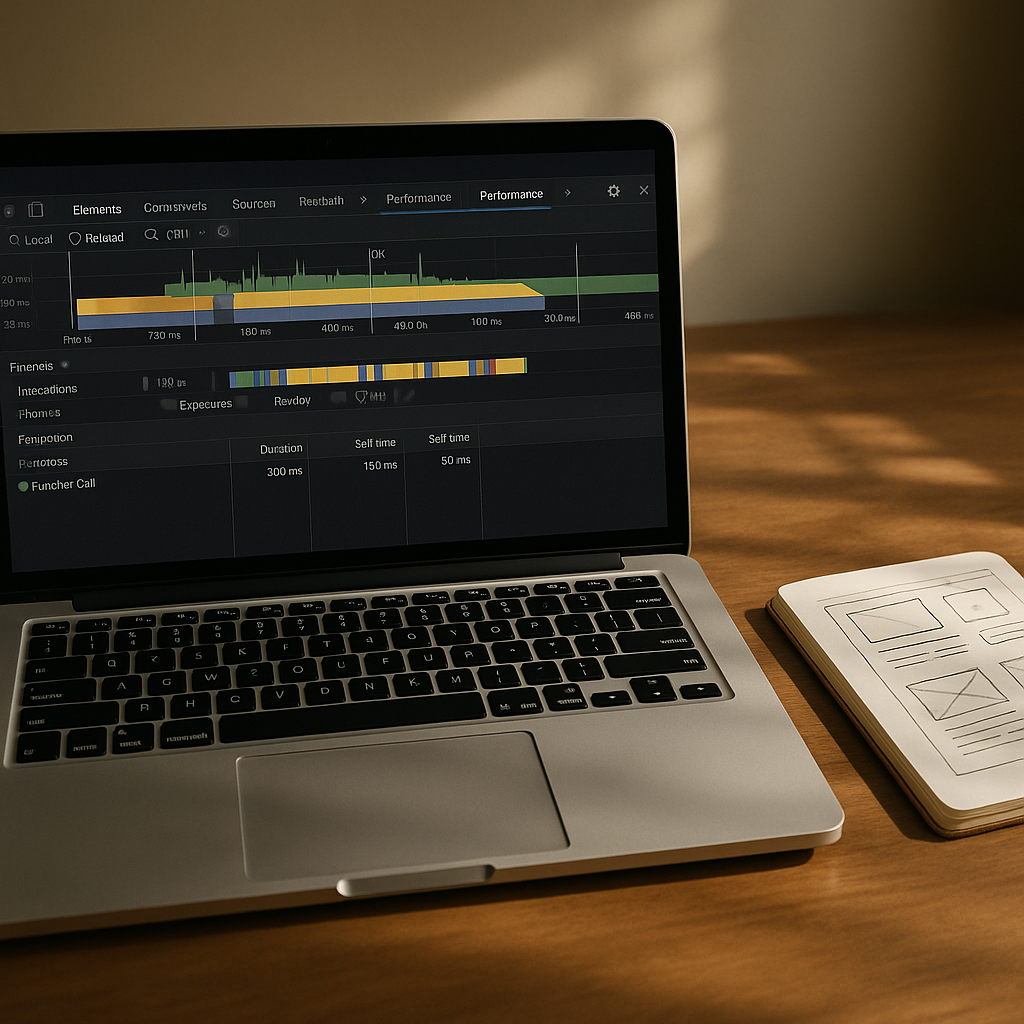
If you are serious about browser performance optimisation, you will live inside the browser devtools performance tab more than you would like to admit. Flame charts, layout thrash detection, and CPU profiling are where the real answers live.
Lighthouse and Core Web Vitals reports are great for quick health checks, but they are the blood tests, not the surgery. For deep issues, you will be looking at long tasks, JS heap snapshots, and paint timelines to spot where your shiny framework is quietly doing way too much work.
Performance as a continuous habit, not a one off sprint
The most successful teams treat performance as an ongoing discipline. They set budgets for bundle size, track key metrics in their monitoring tools, and fail builds when things creep over thresholds. They also keep an eye on infrastructure choices like web hosting, CDNs, and edge caching, because the fastest code in the world cannot outrun a painfully slow server.

Browser performance optimisation FAQs
What is the main goal of browser performance optimisation?
The main goal of browser performance optimisation is to make web pages and apps feel fast and responsive from the user’s perspective. That means reducing main thread blocking, minimising layout and paint work, and prioritising visible content so interactions feel instant, even on average devices and networks.
How can designers help improve browser performance?
Designers can help by working with performance budgets, limiting heavy effects like blurs and shadows, and planning motion that can be implemented with transform and opacity instead of expensive layout changes. Collaborating early with developers ensures that visual ideas are achievable without tanking frame rates.
Which tools are best for browser performance optimisation?
For serious browser performance optimisation, the browser’s own devtools are essential, especially the performance, network, and memory panels. Lighthouse and Core Web Vitals reports provide a good overview, while flame charts, CPU profiling, and layout/paint timelines reveal the deeper issues affecting real user experience.