
Right, let’s be honest: the AI design tool space has exploded so aggressively that keeping track of it feels like watching a React framework appear every six minutes. There are genuinely useful tools in the mix, some that are mostly hype dressed up in a slick landing page, and a handful of newcomers doing things that would have seemed like science fiction in 2022. This breakdown covers the best AI design tools 2026 has produced so far, what they actually do well, where they fall short, and which type of designer should be reaching for which tool.
One thing worth flagging up front: “AI-powered” is now essentially a marketing tick box. Almost every design tool will claim it. The interesting question is whether the AI actually changes how you work, or whether it’s just a generative fill button buried three menus deep. The tools that make this list earn their place by genuinely shifting workflow, not just tacking on a chatbot.

Figma AI: The One That’s Already In Your Workflow
Figma has had a head start that most competitors are still trying to close. Its AI features, rolled out properly across 2025 and expanded further this year, sit inside the tool you’re probably already using, which is a significant advantage. The standout features right now are the auto-layout suggestions, the “Make designs” prompt-to-component pipeline, and the AI-powered rename layers function that sounds trivial until you inherit a file with 400 layers called “Rectangle 47”.
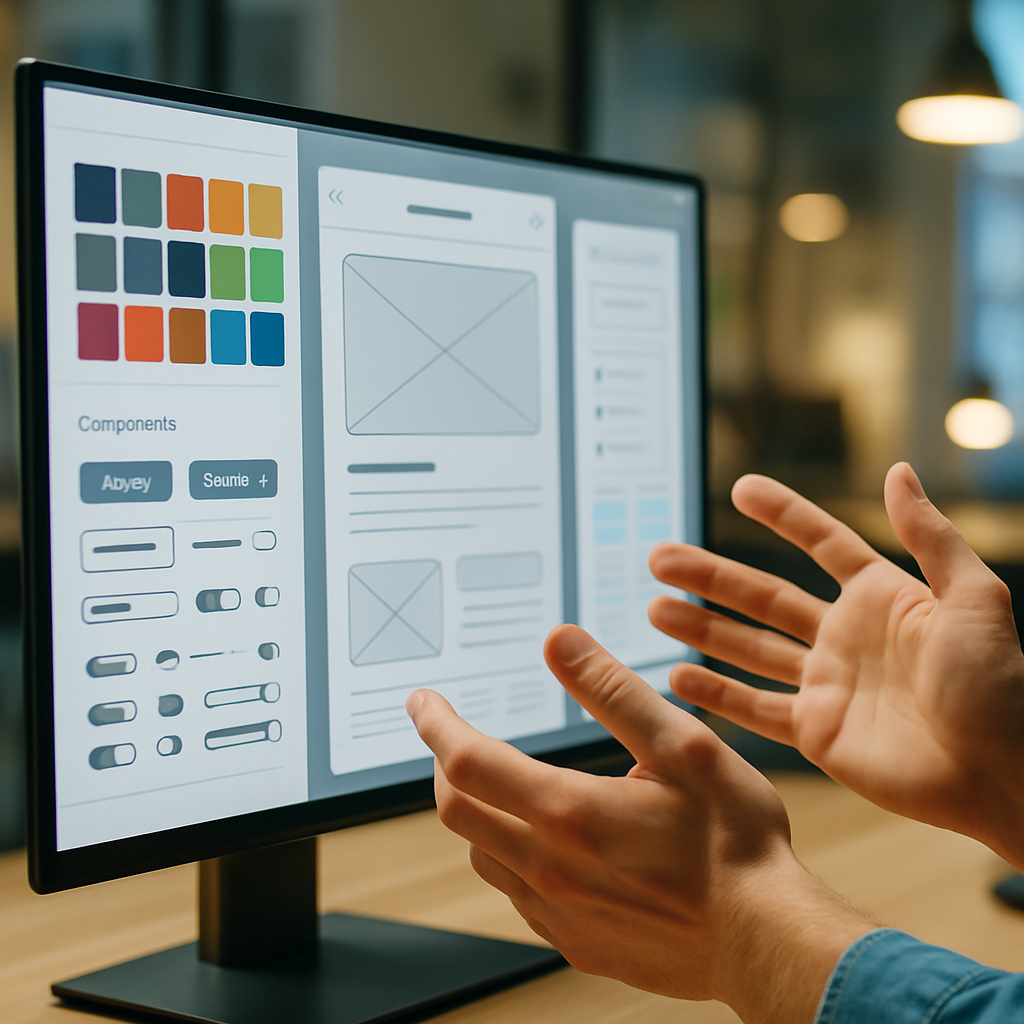
The prompt-to-wireframe feature has got genuinely good. You can describe a SaaS dashboard, get a rough structural layout, then refine from there. It’s not replacing senior-level design thinking, but for rapid ideation or scaffolding a new project, it saves real hours. Pricing sits within Figma’s standard tiers: the Professional plan is around £12 per editor per month, with AI features accessible on Professional and above. For teams already paying for Figma, there’s no additional cost to enable the AI layer, which is a smart bundling decision.
Best for: Product designers, UI/UX professionals, design teams already in the Figma ecosystem who want AI augmentation without switching tools.
Adobe Firefly and the Creative Cloud AI Stack
Adobe’s bet on Firefly has turned into something more coherent than it looked in its early, slightly chaotic release. By 2026, Firefly is properly embedded across Photoshop, Illustrator, InDesign, and Express, and the quality of its generative outputs has improved markedly. The big thing Adobe keeps hammering (and it’s a legitimate point) is commercial safety: Firefly is trained on licensed Adobe Stock content, which matters enormously for agency work where IP liability is a real concern.
Generative Fill in Photoshop remains genuinely impressive for photo manipulation. The Vector Recolour and Generative Recolour features in Illustrator are a proper time save for brand asset production. Where Adobe still frustrates is pricing: Creative Cloud All Apps is around £60 per month for individuals, and Firefly generative credits are metered, you can burn through them faster than you’d expect on a busy project. The enterprise tiers sort this out with unlimited credits, but that’s a conversation for procurement teams with actual budgets.
Best for: Graphic designers, brand designers, photographers, agencies needing commercially safe generative outputs, print and editorial work.
Canva AI: The One That Surprised Everyone
Look, some people still sniff at Canva as “not real design”. Those people should probably update their priors. Canva’s AI suite, particularly Magic Studio, has become genuinely capable. Magic Write, the text generation layer, is solid for social content and marketing copy. Magic Design generates complete template layouts from a prompt or an uploaded image. Magic Animate adds motion to static designs without touching a timeline. And Magic Eraser for background and object removal now rivals standalone tools.
For non-designers, marketing teams, and small businesses producing high volumes of social content, Canva Pro (around £10.99 per month for individuals) is extraordinary value. The AI features are meaningfully better than they were two years ago. The ceiling is lower than Figma or Adobe for complex, precise design work, but that’s not Canva’s audience, and it’s not trying to be.
Best for: Marketing teams, content creators, non-designers, social media managers, small businesses. Less suited to detailed product UI or complex print work.
Khroma, Uizard and the Specialist Challengers
Beyond the platform giants, a cluster of specialist AI tools have carved out genuinely useful niches.
Khroma is an AI colour tool that learns your palette preferences from a training set you provide, then generates infinite colour combinations you’d actually use. It’s free, it’s focused, and it’s oddly addictive. If colour is a consistent pain point in your process, it’s worth an afternoon of your time.
Uizard has positioned itself as the fastest route from idea to testable prototype. You can sketch on paper, photograph it, and Uizard converts it to a digital wireframe. Prompt-to-UI is also on offer. For solo founders and startup teams validating ideas quickly, it fills a real gap. Plans start at around £12 per month.
Galileo AI remains one to watch: it generates high-fidelity UI designs from text prompts at a speed that still raises eyebrows. It’s more useful for inspiration and early concepting than final delivery, but it has accelerated the early phases of product design projects noticeably.
The BBC Technology section has been tracking how these AI tools are reshaping creative industries broadly, and the pattern is consistent: the tools that earn real adoption are the ones that remove friction from existing workflows rather than asking designers to rebuild their entire process around a new paradigm.
How to Actually Choose Between Them
Here’s my rough framework for cutting through the noise on the best AI design tools 2026 has thrown at us.
If you’re a product or UI/UX designer working in teams, you’re almost certainly staying in Figma. The AI features are good enough, the collaboration layer is unbeaten, and switching cost is enormous. If you’re doing brand, print, or photo-heavy work professionally, Adobe’s stack earns its price for the commercial licensing alone. If you’re a solo operator or a small marketing team producing content at volume, Canva Pro plus its AI suite is genuinely hard to argue against on value.
The specialist tools, Khroma, Uizard, Galileo, are best thought of as additions to your kit rather than replacements for a primary tool. They’re excellent at specific tasks and cheap enough that running two or three alongside your main platform is entirely reasonable.
One thing I’d push back on is the anxiety that these tools are making design skills redundant. If anything, the designers getting the most out of them are the ones with strong fundamentals: good layout sense, typographic knowledge, understanding of visual hierarchy. The AI amplifies good taste. It doesn’t manufacture it.
A Quick Note on Pricing and UK VAT
All the prices mentioned above are approximate and exclude VAT. If you’re buying as an individual in the UK, add 20% VAT to your calculations. If you’re operating through a limited company and VAT registered, you can reclaim it, but check your accountant on the specifics. Adobe’s enterprise pricing in particular is worth negotiating directly, especially for agencies with five or more seats.
Frequently Asked Questions
What is the best AI design tool for beginners in 2026?
Canva with its Magic Studio AI suite is the most approachable option for beginners, offering prompt-to-design, background removal, and auto-animation without needing any prior design training. For beginners who want to progress toward professional UI/UX work, Figma’s AI features are worth learning from the start, as it’s the industry standard tool.
Is Adobe Firefly worth the subscription cost in 2026?
For professional graphic designers and agencies already using Creative Cloud, yes, Firefly’s commercial licensing safety and tight integration across Photoshop and Illustrator make it genuinely valuable. If you’re only using one or two Adobe apps and primarily need generative image features, standalone alternatives like Midjourney or Ideogram may give you more output per pound.
Can Figma's AI features replace a designer entirely?
No, and it’s not designed to. Figma’s AI handles scaffolding, ideation, and repetitive tasks like auto-renaming layers or suggesting layout structures, but the output still requires a designer’s judgement to refine and make production-ready. Think of it as a fast, well-organised junior that needs direction.
Which AI design tools are best for freelance designers?
Figma Professional (around £12 per editor per month) covers UI/UX work comprehensively. For brand and visual design, Adobe Creative Cloud’s single-app plans can reduce cost if you only need Illustrator or Photoshop. Khroma is free and excellent for colour work. Canva Pro at around £10.99 per month is worth adding for fast client-facing content production.
Are AI-generated designs commercially safe to use for client work in the UK?
It depends on the tool. Adobe Firefly is trained on licensed content and is specifically positioned as commercially safe. Tools trained on scraped web imagery carry more legal ambiguity, and UK intellectual property law in this area is still developing. For client deliverables, sticking to tools with clear licensing provenance like Firefly is the lower-risk approach.